Waiting Point
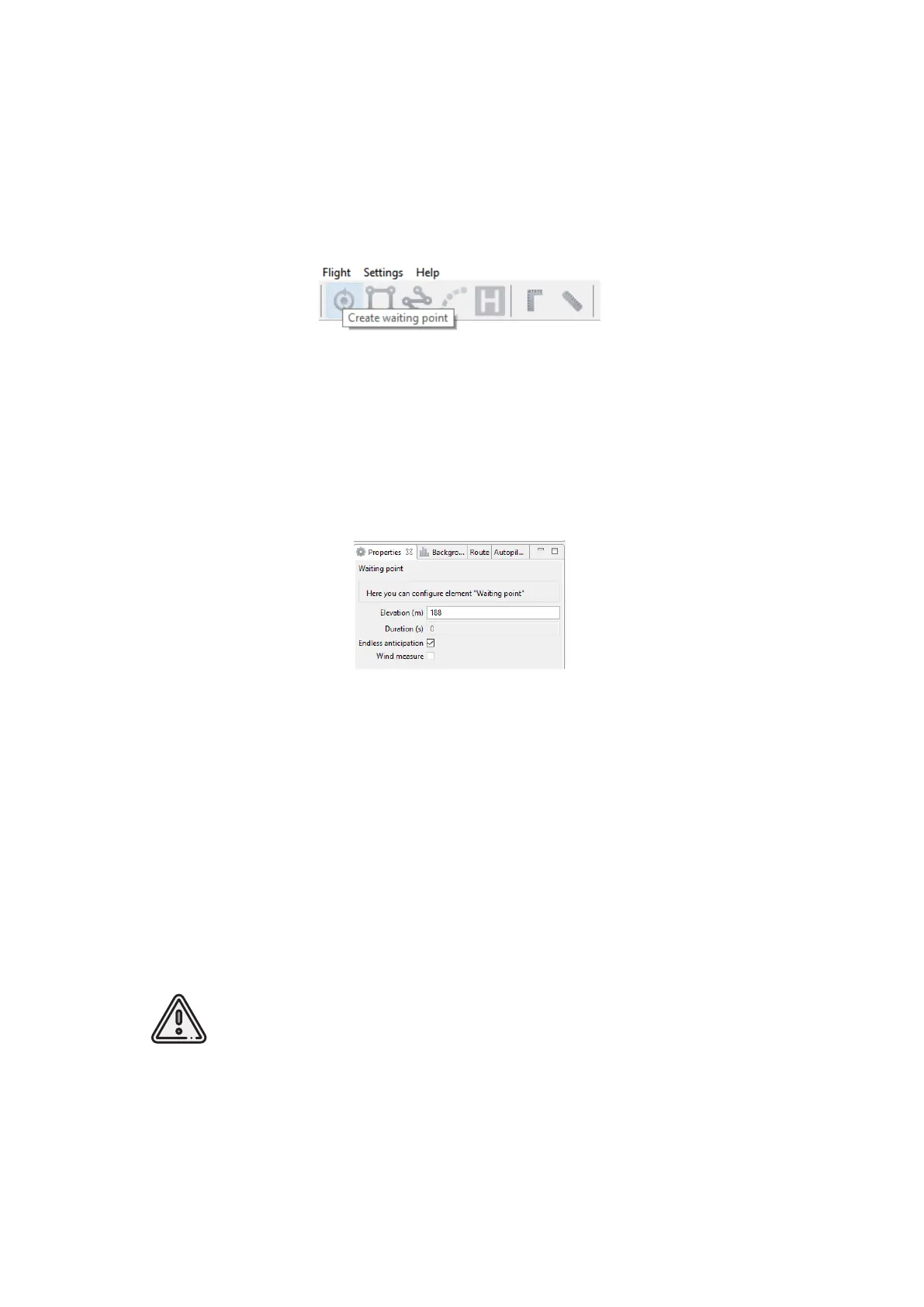
Create waiting point tool allows to hold UAV position the selected point.
1) Press Create waiting point on the toolbar.
Waiting point button
2) Click mouse button on the map to set waiting point.
UAV will hold the point on the set height during the specified time, and then go back to
the flight route. You can activate more options an expert mode: set delay point height,
waiting time, direction, wind measurement and endless devay functions.
Waiting point
In Wind measure mode the waiting point will be colored yellow, and the duration will
change to 15 seconds. UAV will take into account a wind mesurements when performing
a flight task.
The waiting point option sets holding point in the air (point will be hold until the low
battery charge will trigger automatic return to start point). The waiting point color will
change to deep blue.
We recommend to set the waiting point with wind measurement before each flight
element at the height of the flight element, especially if they are located a large distance
from each other.
Geoscan UAVs are not certified instruments of wind measurement. It
cannot be used as a precise tool.
35



 To Next Page