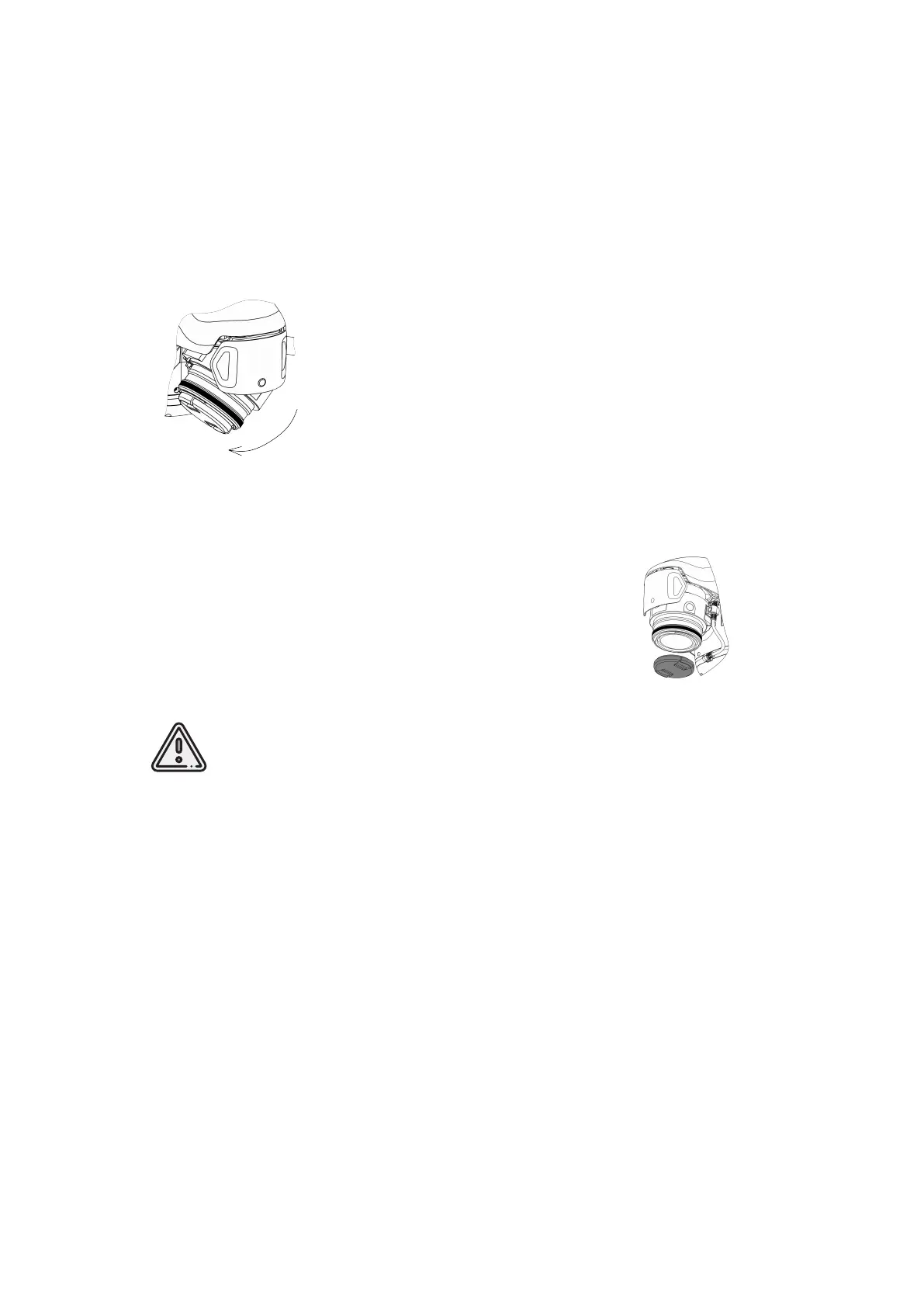
Camera Rotation
Geoscan Gemini allows to take not only planned survey, but also perspective shooting.
In this case, the accuracy of 3D models are based on images will be much higher due
to more accurate determination of object contours during photogrammetric processing.
To rotate the camera to a fixed angle (24 or 48°), place the
UAV on a flat hard surface with the right side facing you. Turn
the camera to the opposite direction to change back camera
position.
Lens Protection
The lens cap provides camera lens protection from dirts and
scratches. The cap should be removed immediately before
the Start prepararing. Press cap’s spring-loaded clips to
remove it.
Be sure that you remove the lens cap from the camera lens before the
flight. If the cap will not be removed, warning will be displayed at the launch
preparing camera stage. Always attach the lens cap to camera lens directly
after UAV take off.
19



 To Next Page