Using Getac Software 6-9
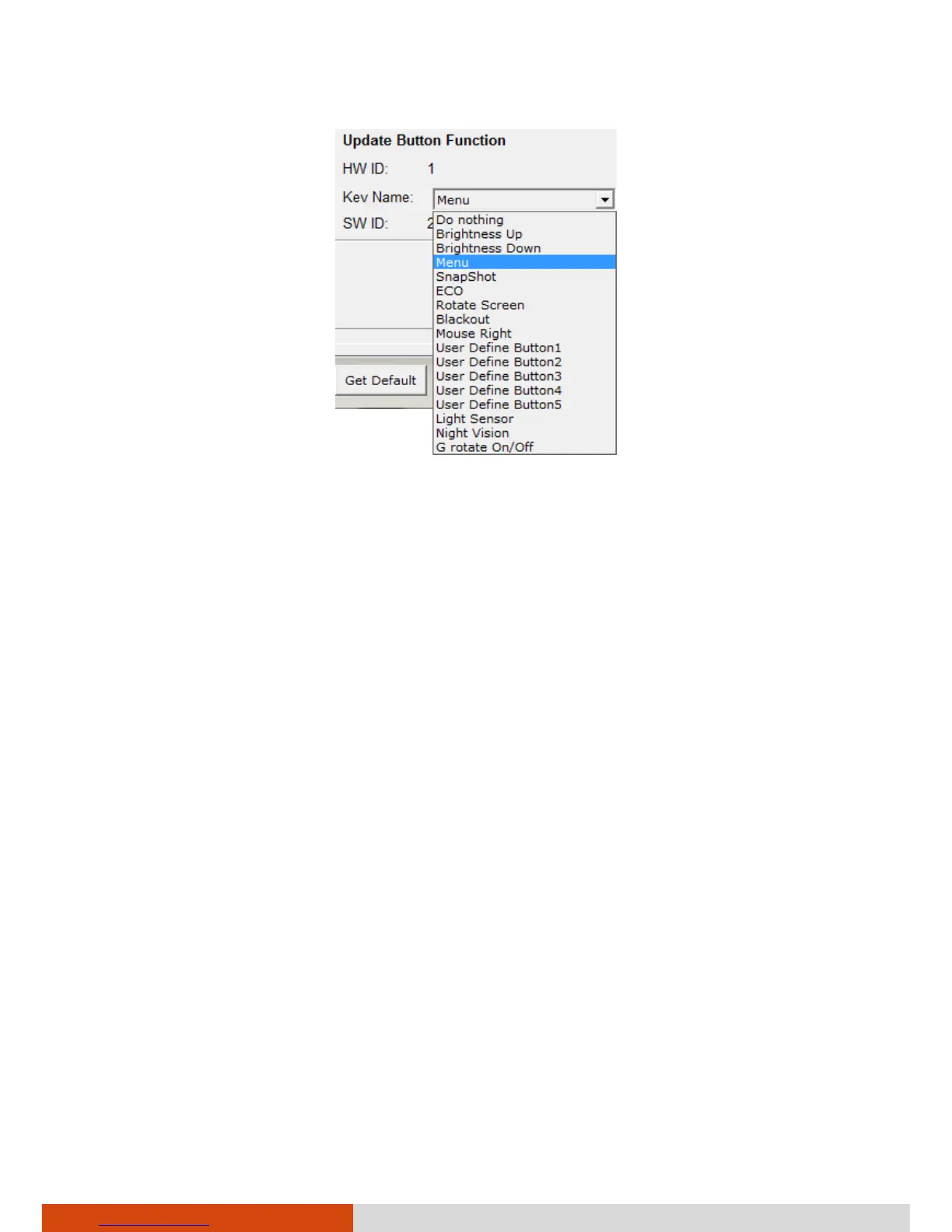
The option
User Define Button
(
1
to
5
) means the Quick Button in the
OSC Control Panel.
4. Repeat the steps for the other buttons that you want to re-define.
5. For the changes to take effect immediately, click Start Flash.
6. If you intend to save the configurations for later retrieval, click SAVE.
Select a location, enter a filename, and click Save to save the current
configurations as a .bfh file.
Click Load the next time you use Button Manager to load any previously
saved configurations.
NOTE: You can restore to the default settings by clicking Get Default.



 To Next Page