Getting Started 1-7
Turning On and Off the Computer
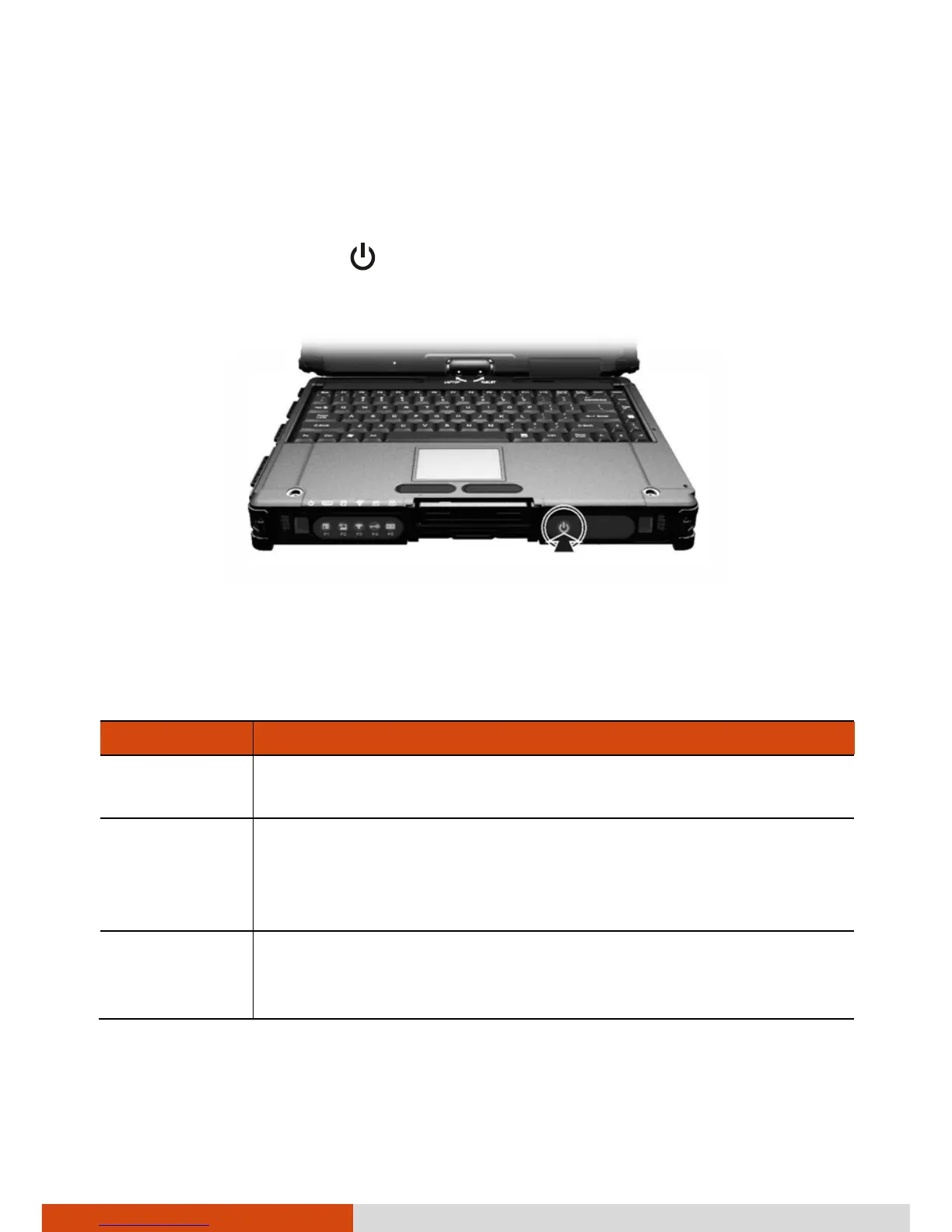
Turning On
Press the power button (
). Each time the computer is turned on, it
performs a Power-On Self Test (POST), and the operating system such as
Windows should start.
Turning Off
When you finish a working session, you can stop the system by turning off
the power or leaving it in Sleep or Hibernation mode:
To... Do this...
Power off
(Shutdown)
Use the Windows Start menu in the lower left and follow
the shutdown procedure.
Sleep Press the power button*.
–or–
Use the Windows Start menu to put the computer in Sleep
mode.
Hibernate Use the Windows Start menu to put the computer in
Hibernation mode. (See “Hibernation” in Chapter 3 for
more information.)
* “Sleep” is the default setting of the power button. You may change what
the power button does in Windows Control Panel.



 To Next Page