Expanding Your Computer 4-3
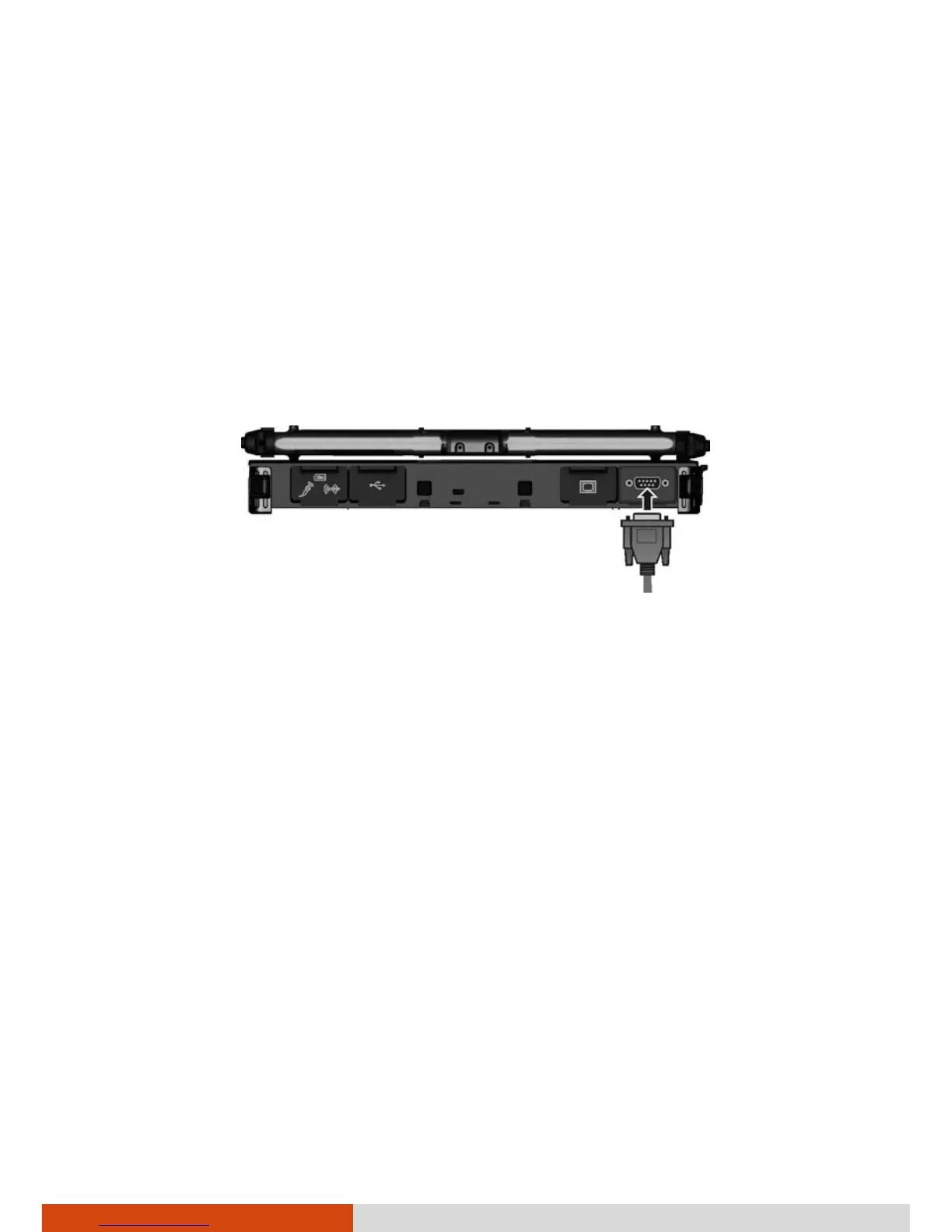
Connecting a Serial Device
Your computer has one or two serial port (depending on model) for
connecting a serial device such as a serial mouse or serial communication
device (modem).
Follow this procedure to connect a serial device:
1. Make sure the computer is not turned on
2. Plug the device cable to the serial port on the rear of the computer.
3. Turn on the computer.
NOTE: Portable modems that derive power through the serial port cannot
be used with the computer. Instead, use a modem that is powered by its
own internal battery or external AC power.



 To Next Page