4-4
Expanding Your Computer
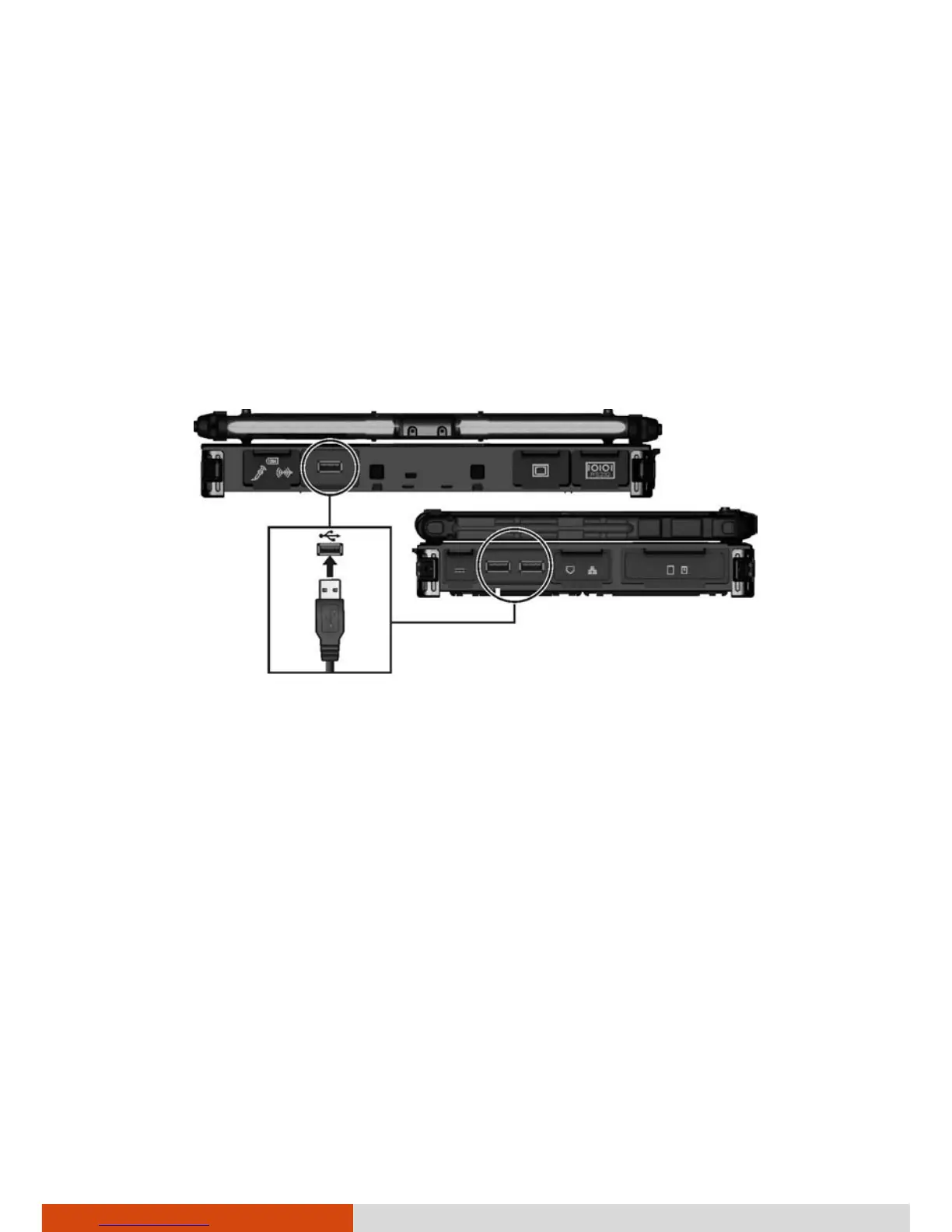
Connecting a USB Device
Your computer has three USB ports (two USB 3.0 ports at the left side and
one USB 2.0 port at the back) for connecting USB devices, such as a digital
camera, scanner, printer, modem, and mouse.
USB 3.0 supports a transfer rate up to 5 Gbit/s and USB 2.0 a transfer rate up
to 12 MB/s.
To connect a USB device, plug the device cable to a matching USB port.



 To Next Page