Getting Started 1-11
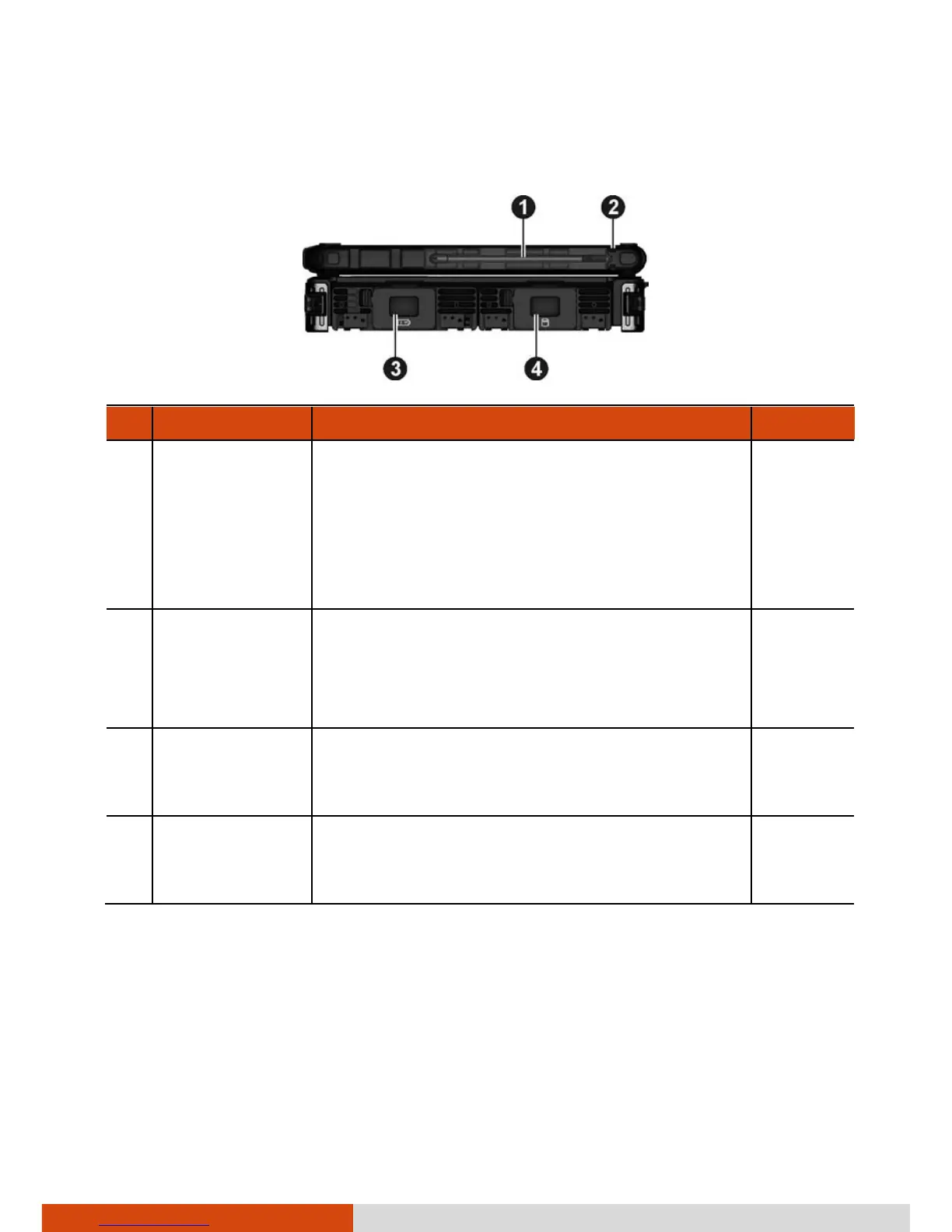
Right-Side Components
Ref Component Description See Also
Stylus Serves as the input device by tapping on the
touchscreen to make selections and enter
information.
NOTE: Some models do not have the stylus
slot on this side, so you can only use the
slot on the left side for storing the stylus.
P. 2-10
Tether Hole Stylus can be tethered to this hole.
NOTE: Depending on your model, this is on
both sides of the computer or on the left
side only.
P. 1-16
Battery Pack
Compartment
Inside is the battery pack that supplies
power to your computer when external
power is not connected.
P. 3-3
Hard Disk
Drive
Compartment
Inside is the hard disk drive.



 To Next Page