Operating Your Computer 2-23
Using the WWAN Feature
(Optional)
A WWAN (Wireless Wide Area Network) uses mobile telecommunication
cellular network technologies to transfer data. The WWAN module of your
computer supports 3G or 4G LTE depending on your model.
NOTE: Your computer only supports data transmission; voice transmission is
not supported.
Installing a SIM Card
To use the WWAN feature to connect to the Internet, you need to subscribe
to the service and acquire a SIM card from a mobile phone network service
provider.
To install the SIM card, follow these steps:
1. Turn off the computer and disconnect the AC adapter.
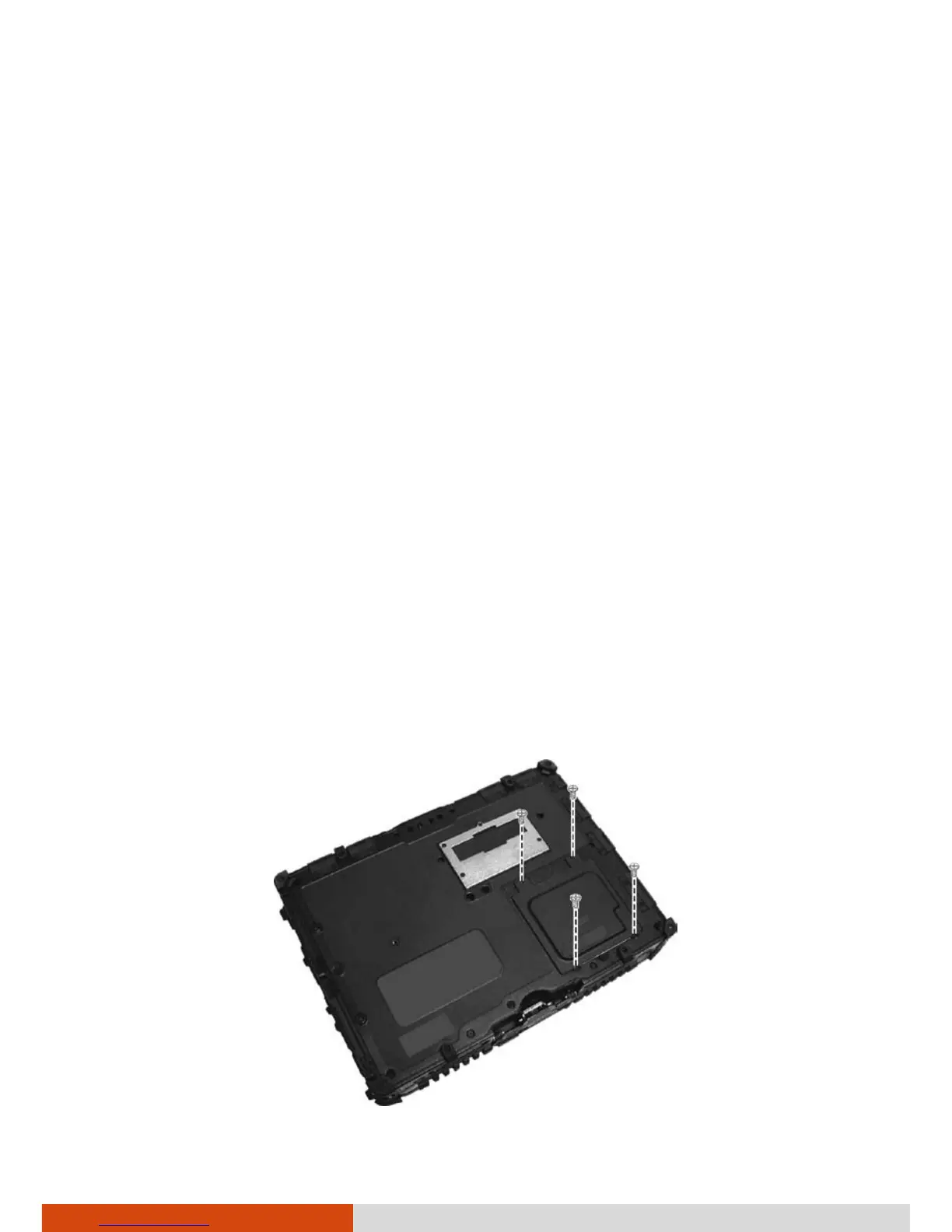
2. Carefully place the computer upside down.
3. Remove the four screws to open the compartment cover.



 To Next Page