Getting Started 1-15
Ref Component Description See Also
Caps Lock
Lights when Caps Lock is on. P. 2-2
Touchpad Serves as the pointing device. P. 2-7
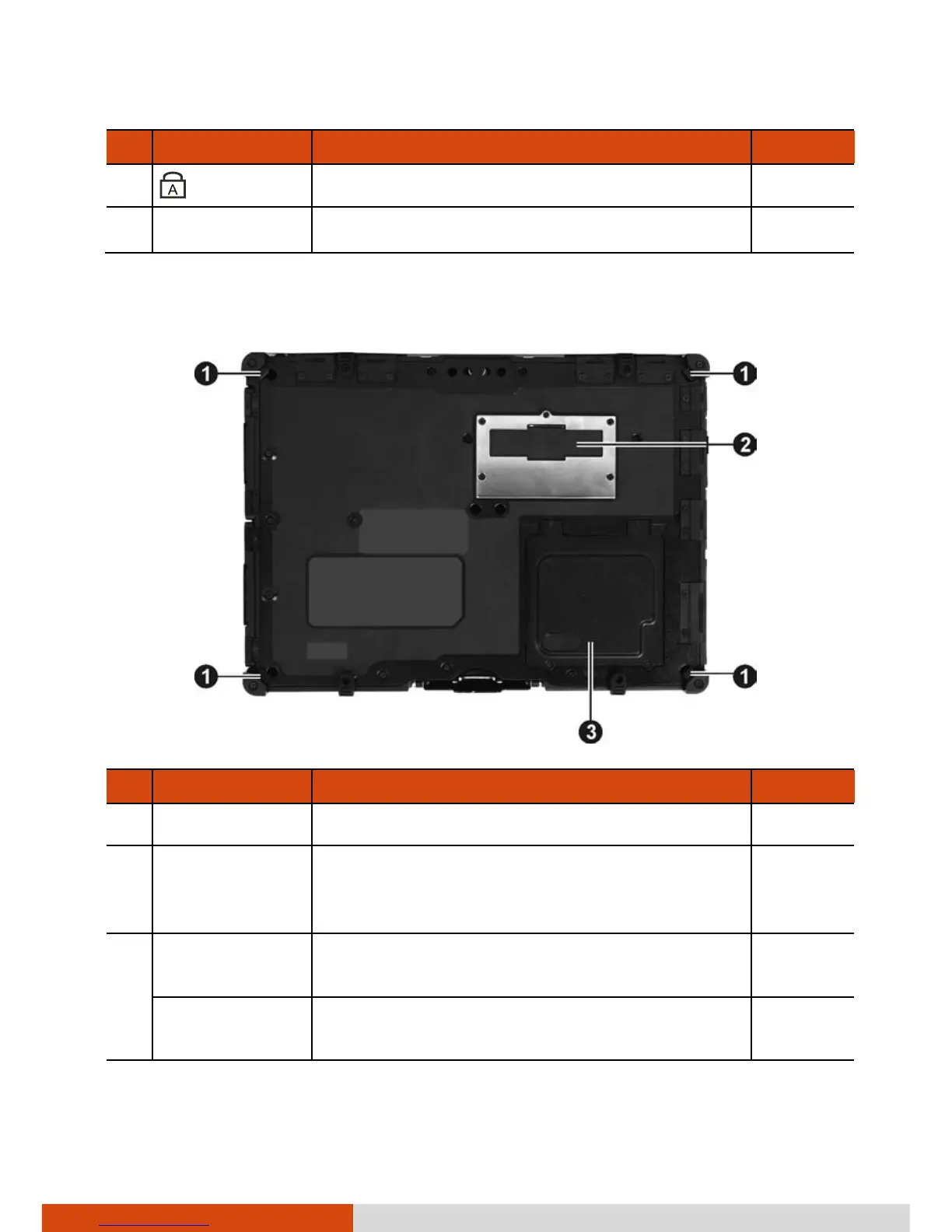
Bottom Components
Ref Component Description See Also
Strap Holder Four bottom hooks hold the handgrip strap. P. 1-17
Docking
Connector
Inside is the docking connector for
connecting an office dock or vehicle dock
(purchased separately).
Memory Slots Inside are the memory slots for expanding
the memory size of your computer.
P. 4-13
SIM Card Slot
(optional)
Inside is the SIM card slot. P. 2-23



 To Next Page