Using Getac Software 6-23
Taking Pictures
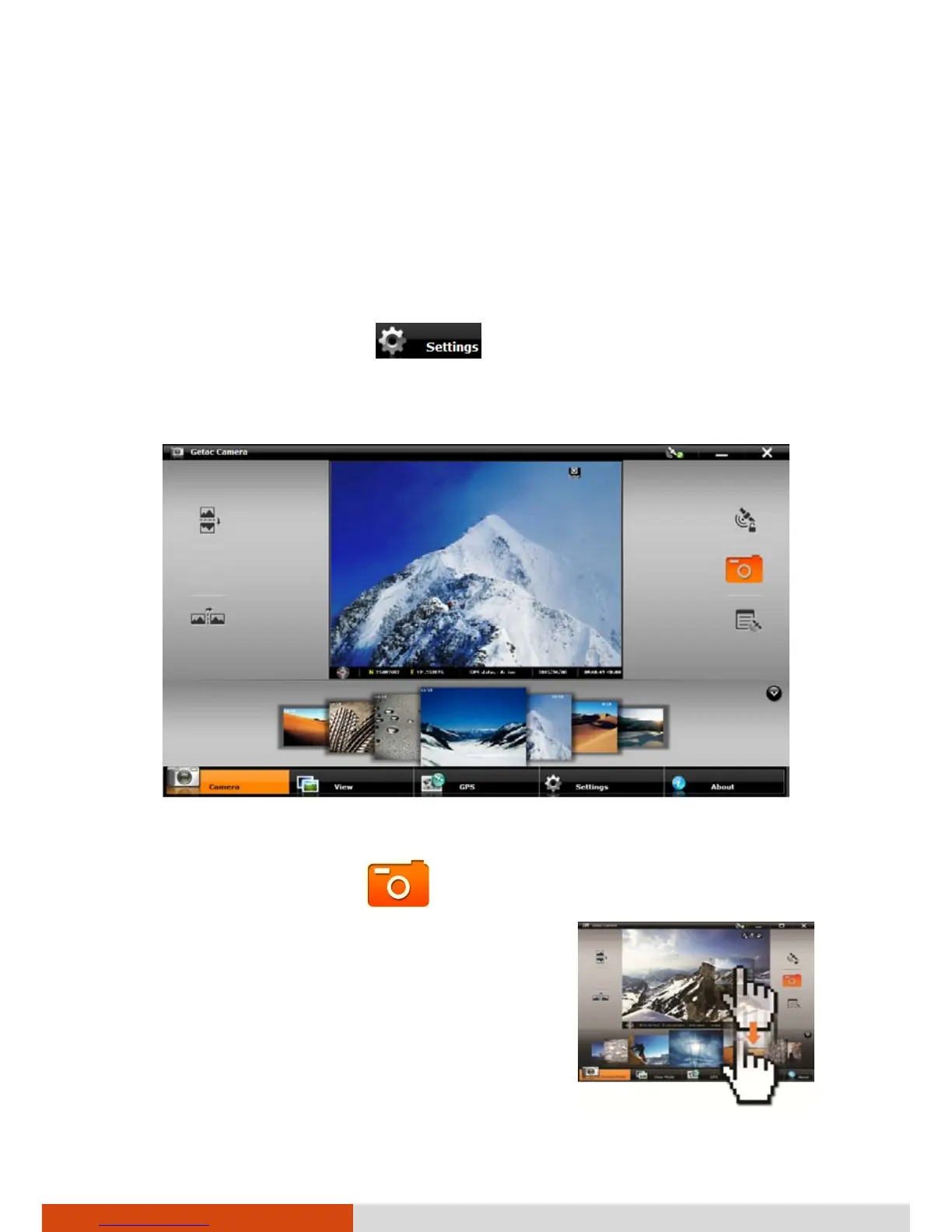
1. Start the Getac Camera program. You will be in Camera Mode.
2. You can use the buttons on the right and left side of the preview
window for immediate controls. (See “Camera Controls Buttons” for
detailed information.)
For overall settings, tap
. (See “Camera Settings” for detailed
information.)
3. Aim the camera lens at your subject.
4. When ready, you can shoot the picture in either of the two methods:
Method 1: Tap the button.



 To Next Page