Getting Started 1-5
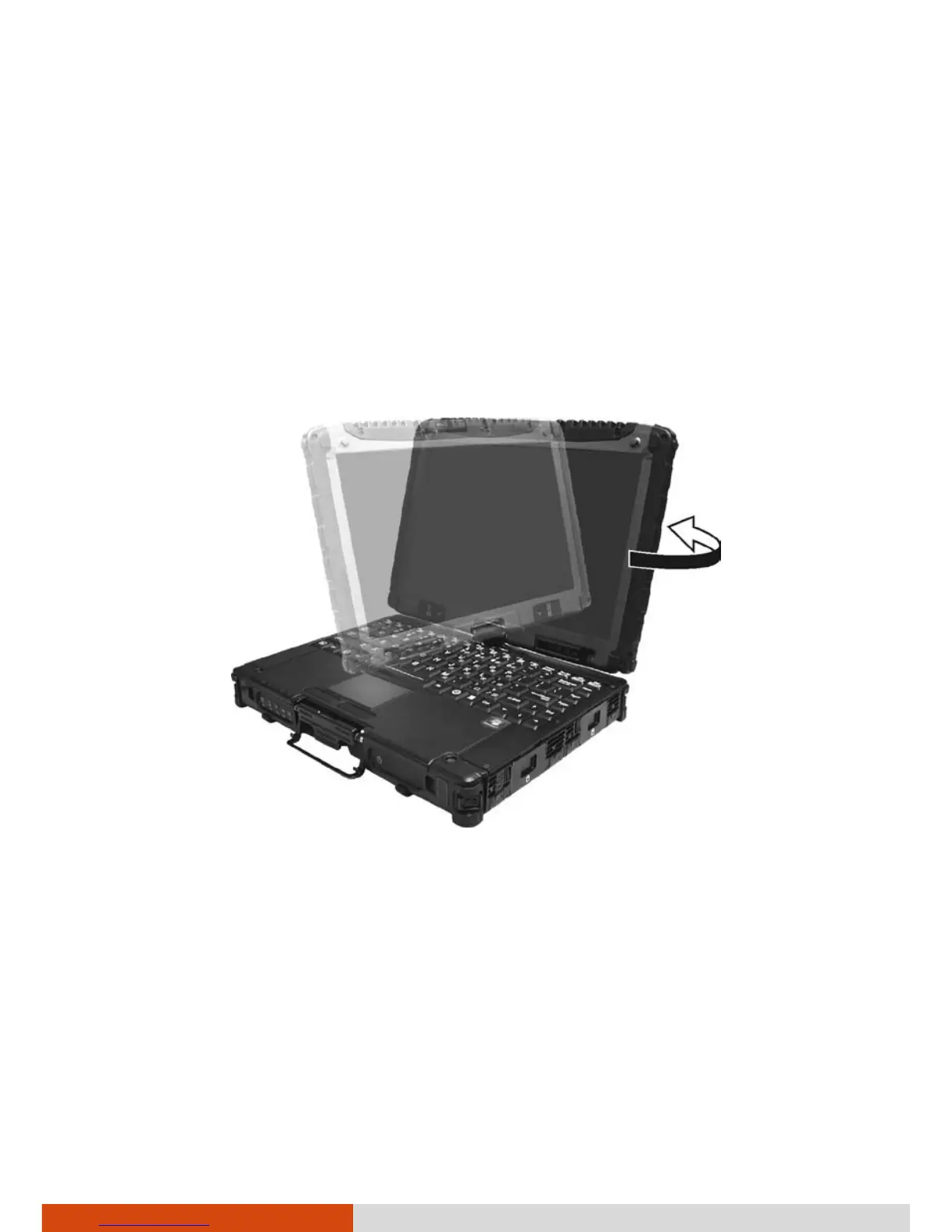
Operating in Tablet Mode
In addition to being used as a regular notebook computer (Laptop mode),
your computer can also be operated in Tablet mode. In Tablet mode, you
operate the computer with a stylus or digitizer pen, or a fingertip, instead of
a keyboard or mouse.
1. Open the top cover so that it is almost perpendicular with the keyboard
of the computer.
2. Turn the display counter-clockwise by 165
o
.
CAUTION: Do not rotate the display more than 165
o
, or attempt to rotate
the display clockwise.
3. Close the computer with the display facing up.



 To Next Page