1-6
Getting Started
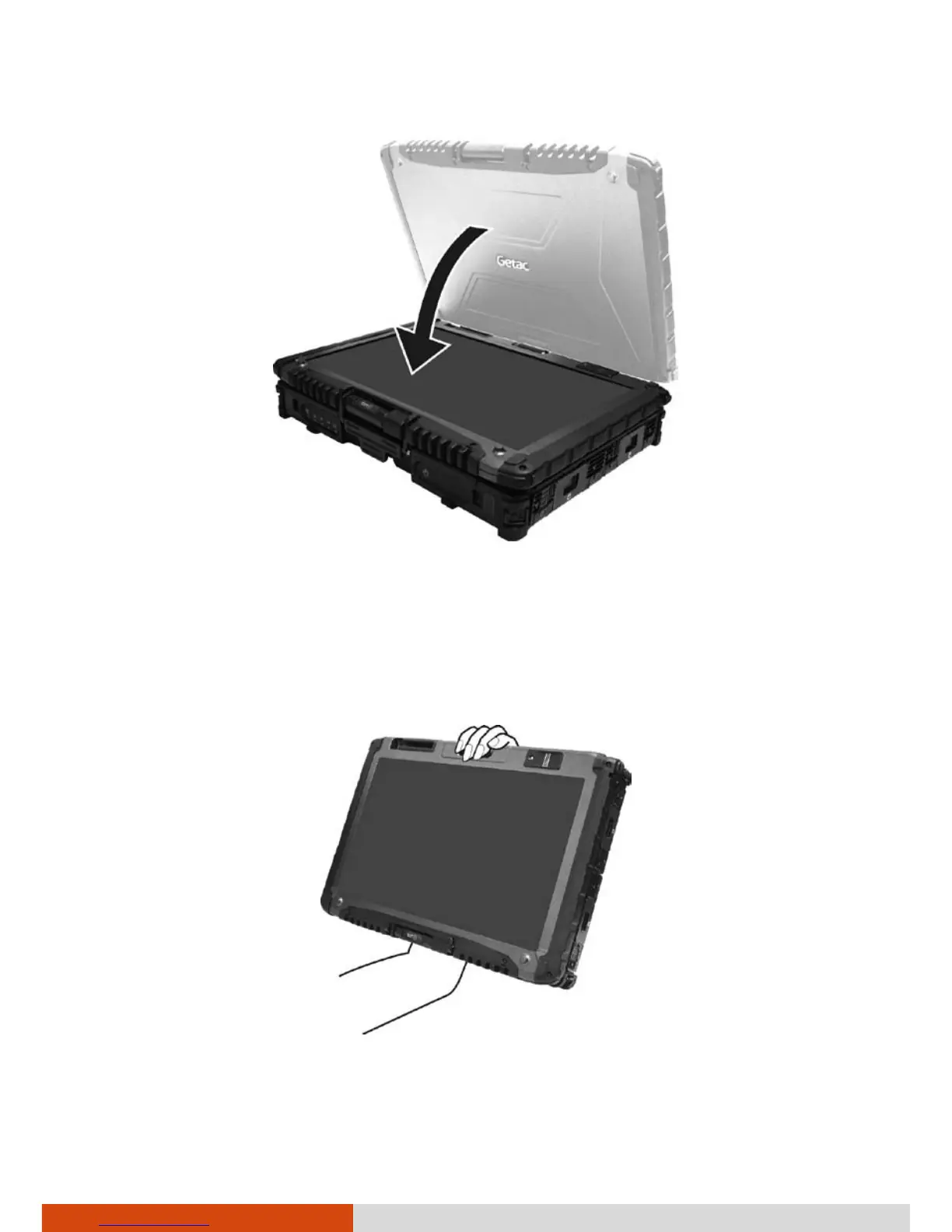
4. Lift the cover latch and engage the clamp on the display. Then, push in
the cover latch to click it into place.
In Tablet mode, the computer can be operated while holding it as shown. A
handgrip strap is supplied to help you hold the computer. (See “Attaching
the Handgrip Strap” in this chapter for installation instructions.)



 To Next Page