6-8
Using Getac Software
Using Button Manager
The five quick buttons located on the front of your computer come with
predefined functions. You can use Button Manager to re-define the buttons.
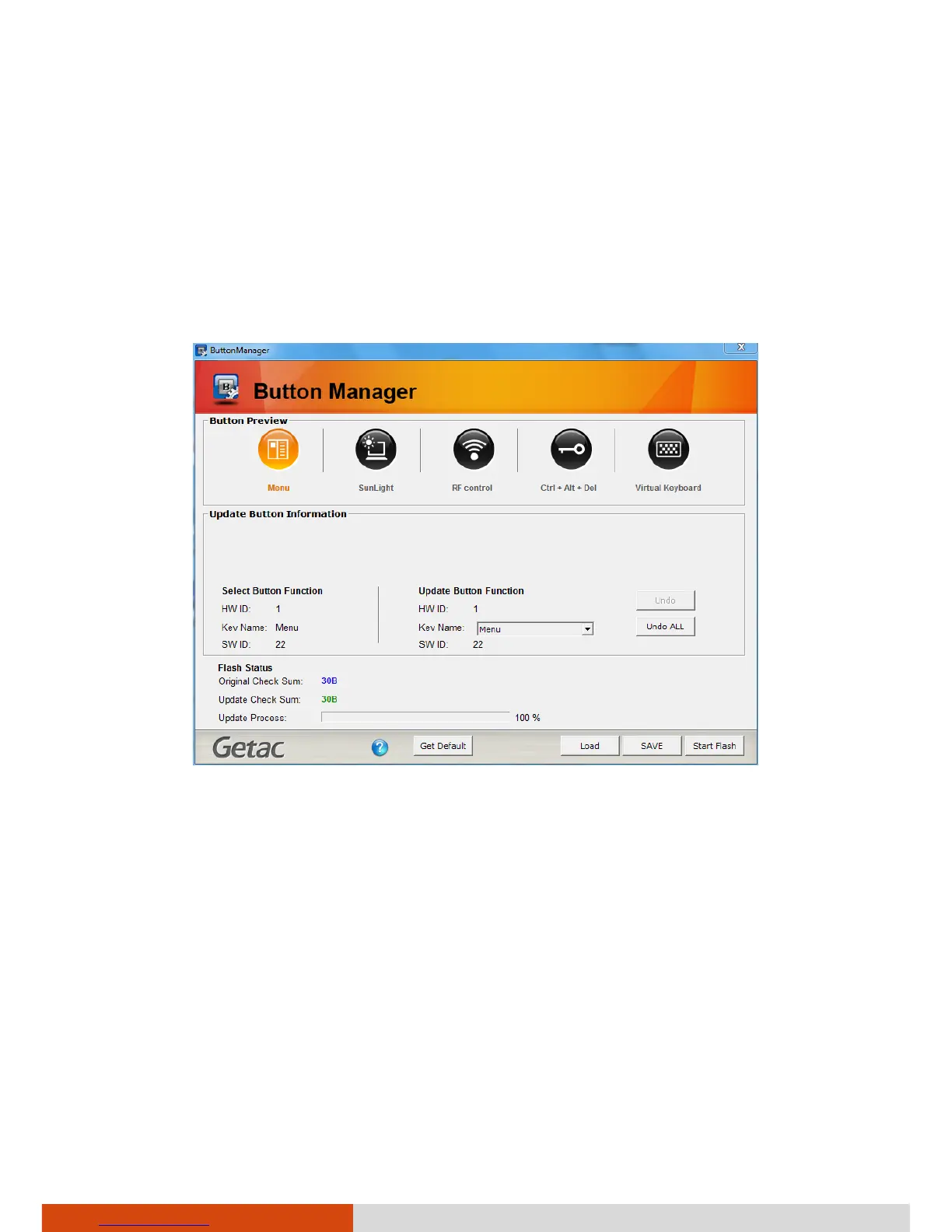
1. Click Start Programs Button Manager Button Manager. The
following screen appears.
2. Select the button to re-define.
3. Under the Update Button Function click the Key Name dropdown list to
see the available options and select the option you want.



 To Next Page