Using Getac Software 6-25
Using View Mode
Tap at the bottom of the screen to switch to View mode.
While in Camera or Camcorder mode, you can also switch to View mode by
either of the two methods:
Method 1: Double-tap the thumbnail in the Thumbnail Tray.
Method 2: Drag the thumbnail and drop into the preview window.
Selecting an Image
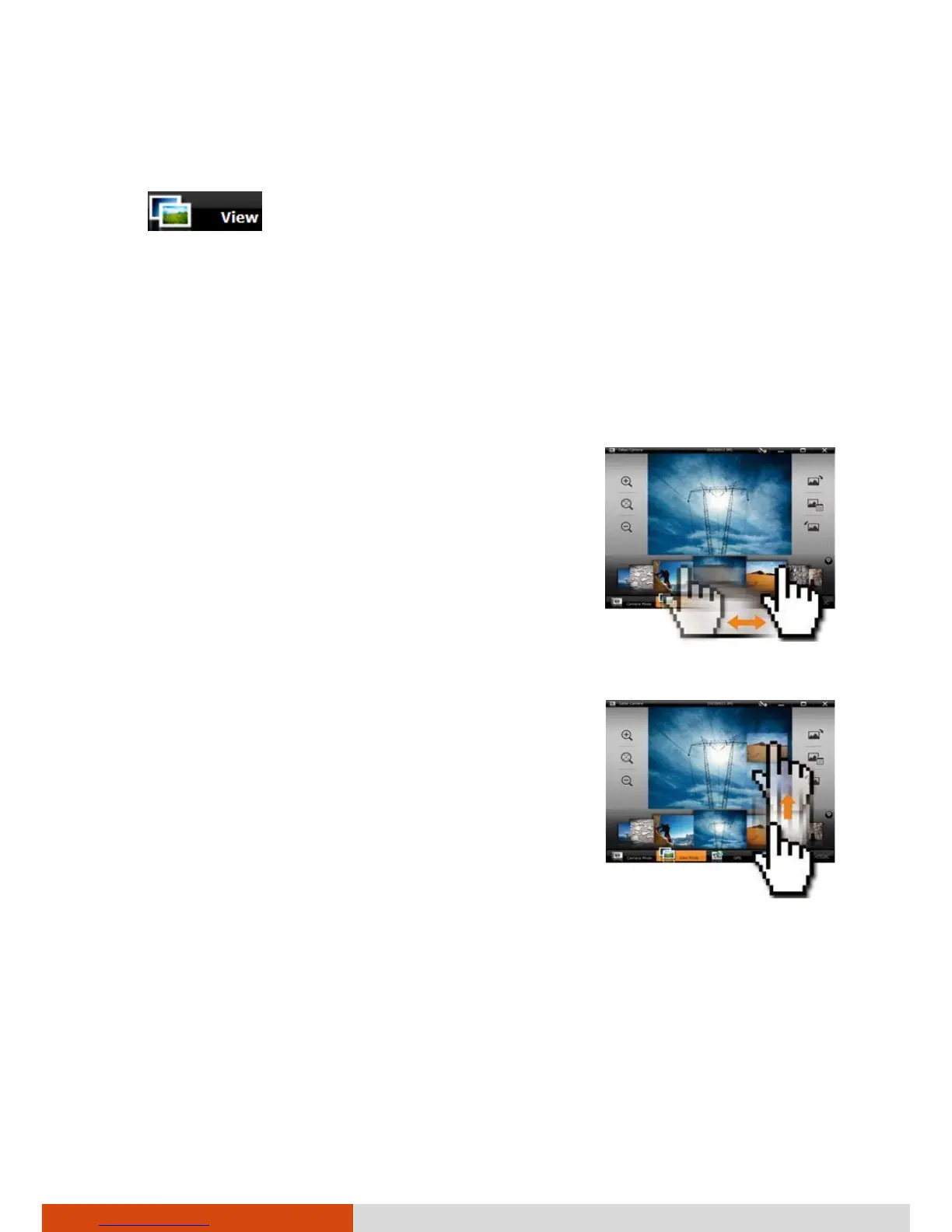
To scroll through the Thumbnail Tray, drag the
tray toward the left or right.
To select an image or video, use either of the
two methods:



 To Next Page