Using Getac Software 6-27
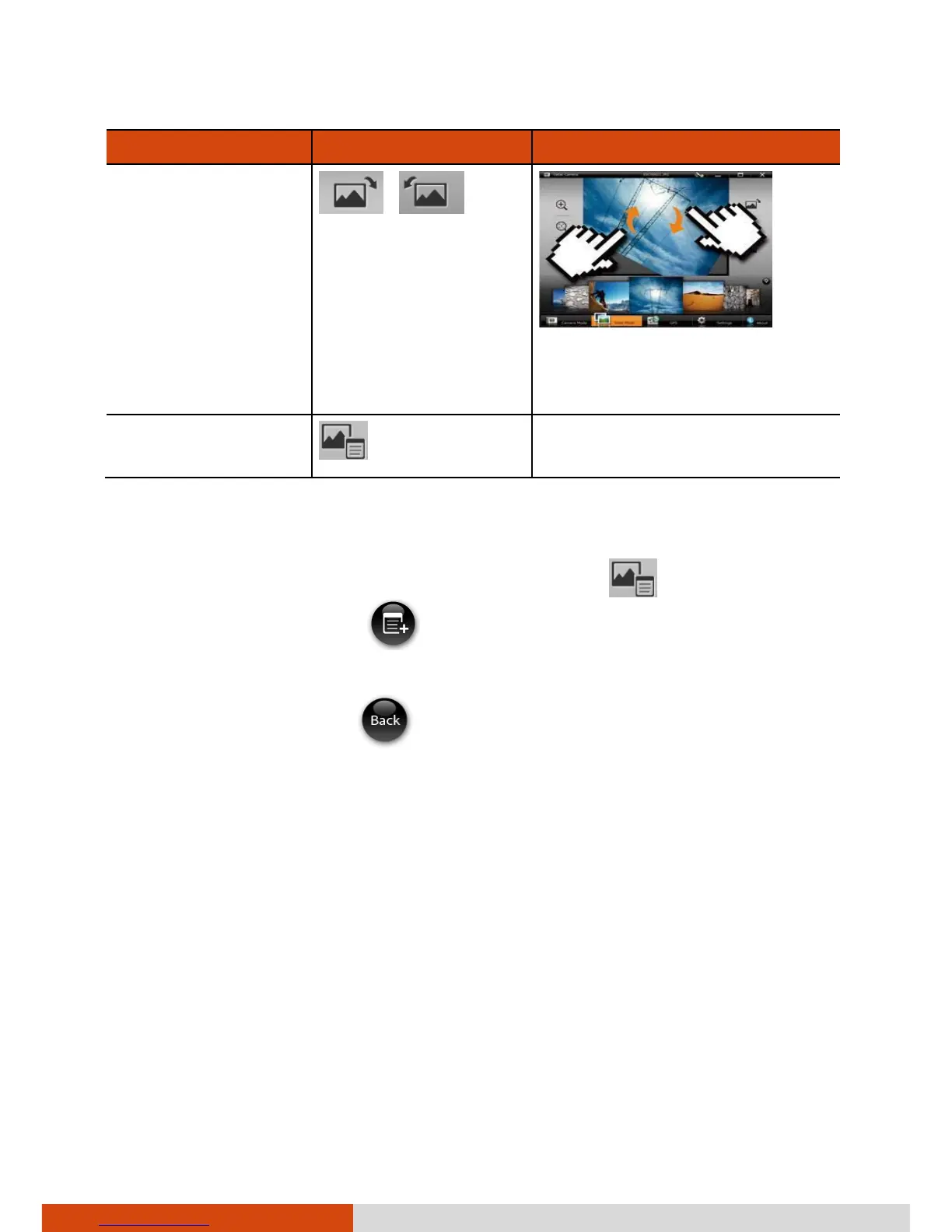
To Via Control Buttons Via Multi-touch Operations
Rotate to the
right/left by 90°
/
Drag two fingers in a
clockwise/counterclockwise
circular motion.
View image
properties
−
Adding Notes to an Image
1. Switch to View mode, select the image, and tap .
2. In properties view, tap
.
3. Type your notes in the entry field.
4. When completed, tap
.
The first three lines of the notes show on the screen.



 To Next Page