Getting Started 1-9
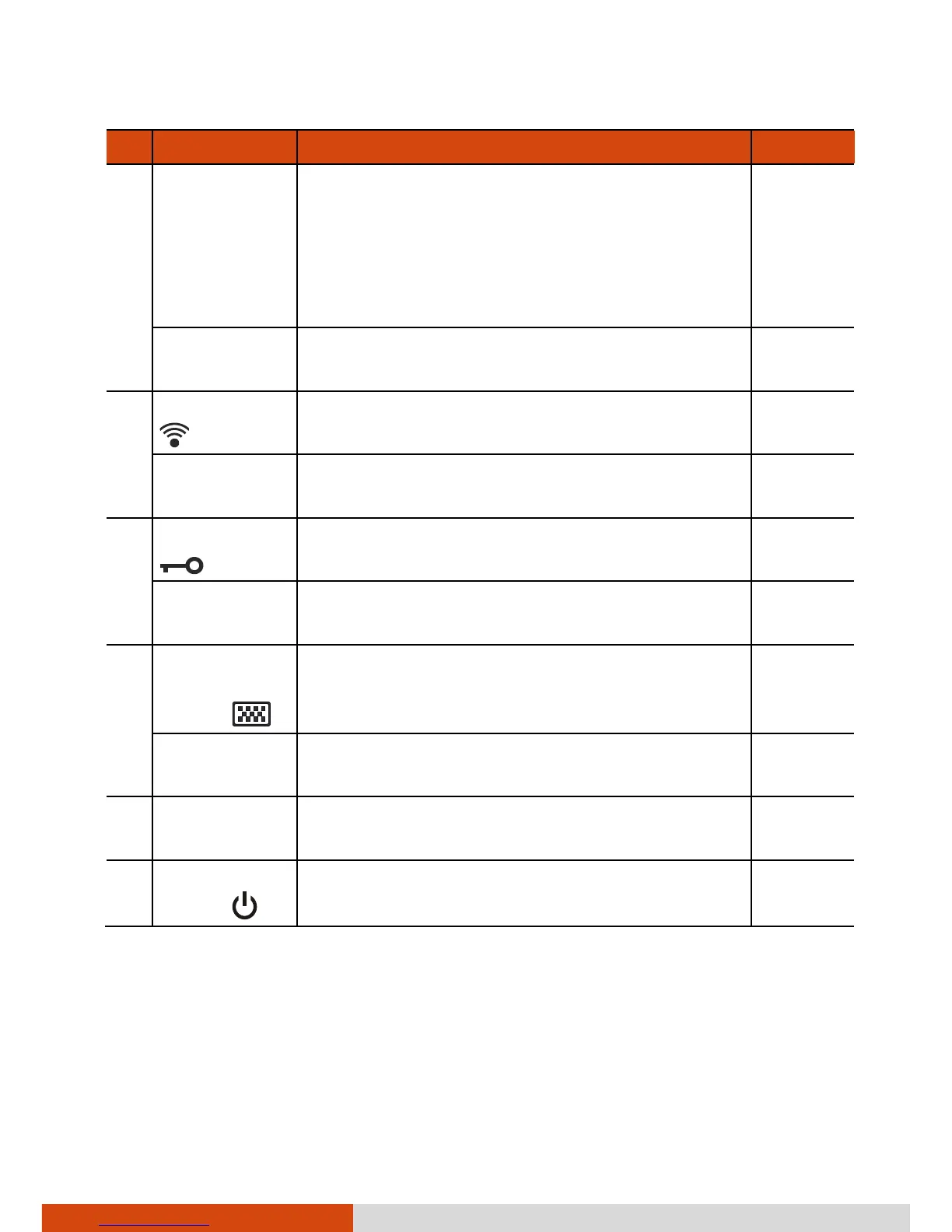
Ref Component Description See Also
CAUTION: To prevent burns to your fingers
if using the computer (especially in Tablet
Mode) with sunlight-readable mode turned
on, do wear gloves when touching the top
portion of the LCD display as it may be hot
to the touch.
P2 Button Can be re-defined using the Button Manager
utility.
P. 6-8
RF Button
Serves as the master on/off control of the RF
radio.
P3 Button Can be re-defined using the Button Manager
utility.
P. 6-8
Reset Button
Serves as the Ctrl+Alt+Del keyboard keys. P. 8-12
P4 Button Can be re-defined using the Button Manager
utility.
P. 6-8
Software
Keyboard
Button
Opens or closes the software keyboard on
your screen.
P. 2-17
P5 Button Can be re-defined using the Button Manager
utility.
P. 6-8
Top Cover
Latch
Locks the top cover. P. 1-4
Power
Button
Turns the power on or off (Sleep mode by
default).
P. 1-7



 To Next Page