2-14
Operating Your Computer
Term Action
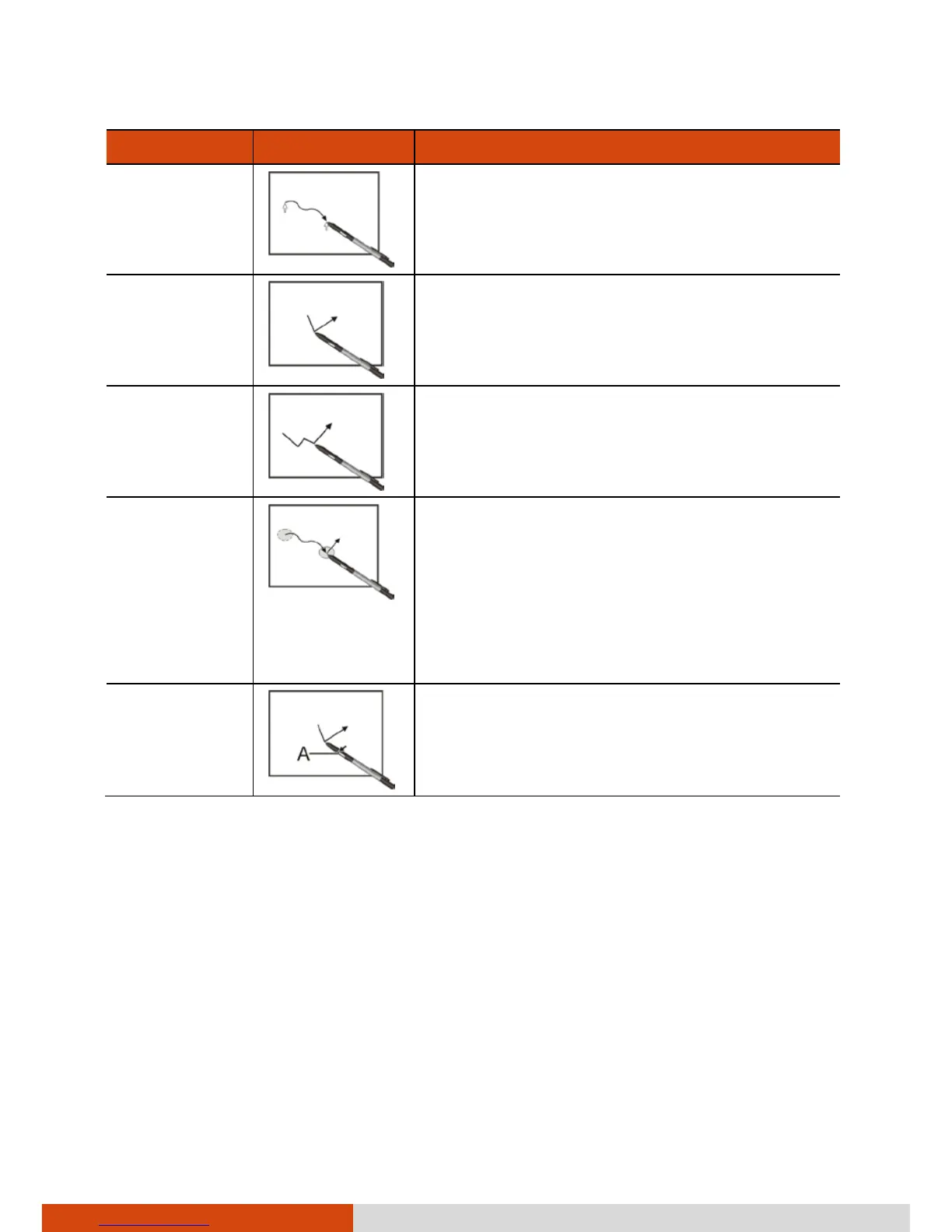
Move
Move the cursor pointed by the digitizer
pen.
Click/Point
Tap gently on the display.
Double-click
Tap twice on the display rapidly.
Drag and
drop
Tap lightly on the display and move your
digitizer pen until you reach your
destination (drag). Finally, release your
digitizer pen (drop) when you finish
dragging your selection to the
destination. The object will drop into the
new location.
Right-click
Press and hold down the digitizer pen
button (A), then tap gently the object.
CAUTION:
When the LCD display is used alone or with an external display
simultaneously, the digitizer function cannot be used when the area of
either display is set larger than the default setting of the display
resolution.
Even when only an external display is in use, the cursor will move on the
external display if you touch the surface of the LCD display with the pen
or bring the pen close to the surface of the LCD display when the
digitizer driver is active. Therefore, do not touch the LCD display when
only an external display is in use.



 To Next Page