Using Getac Software 6-5
Icon Function
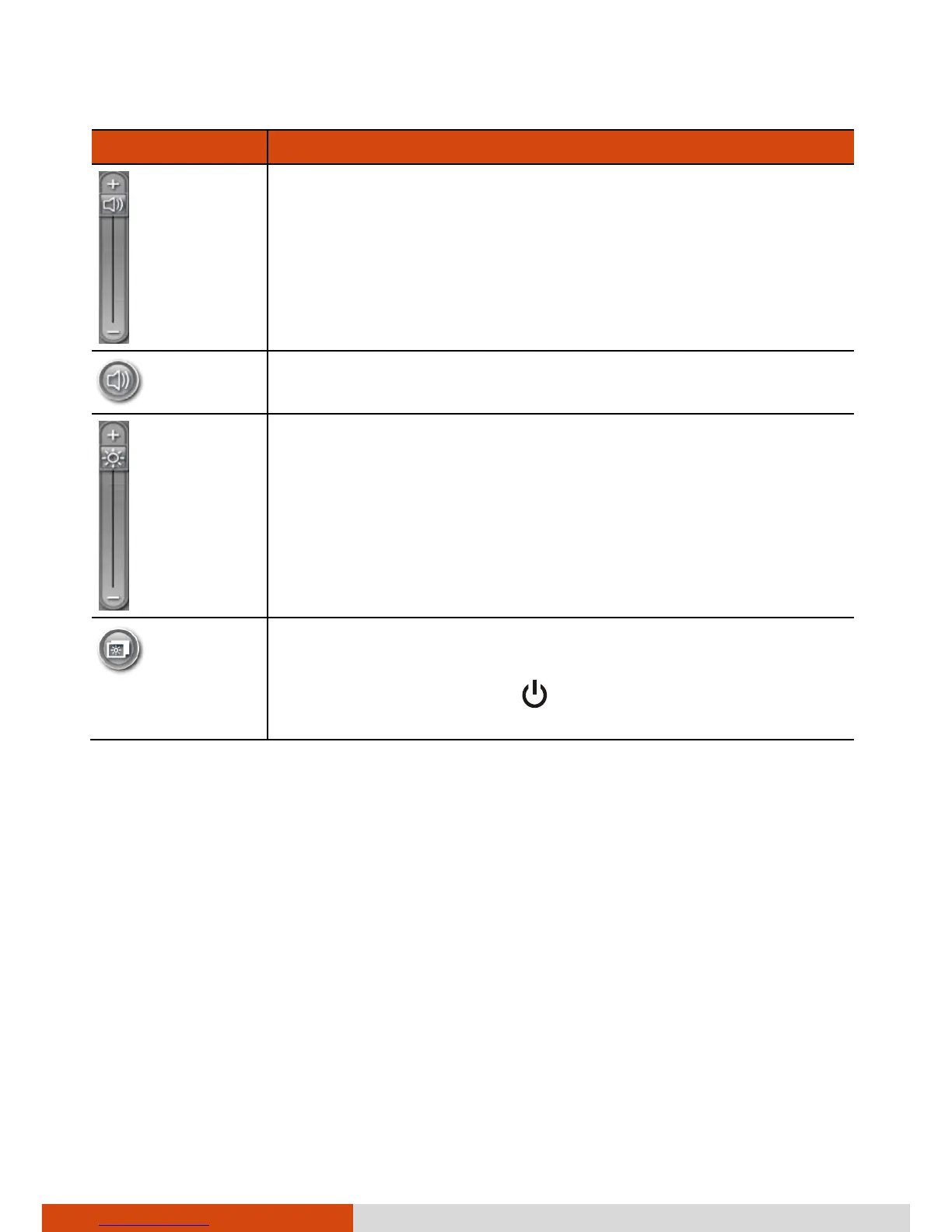
Allows you to adjust the sound volume by dragging the
knob along the bar.
Switches the system sound output OFF (mute) and ON.
Allows you to adjust the LCD brightness level by dragging
the knob along the bar.
System enters “black-out” mode by turning off the LCD
display, LED indicators, touchscreen, and sound.
Press the power button (



 To Next Page