Page 43
OPERATING STATUS DISPLAY
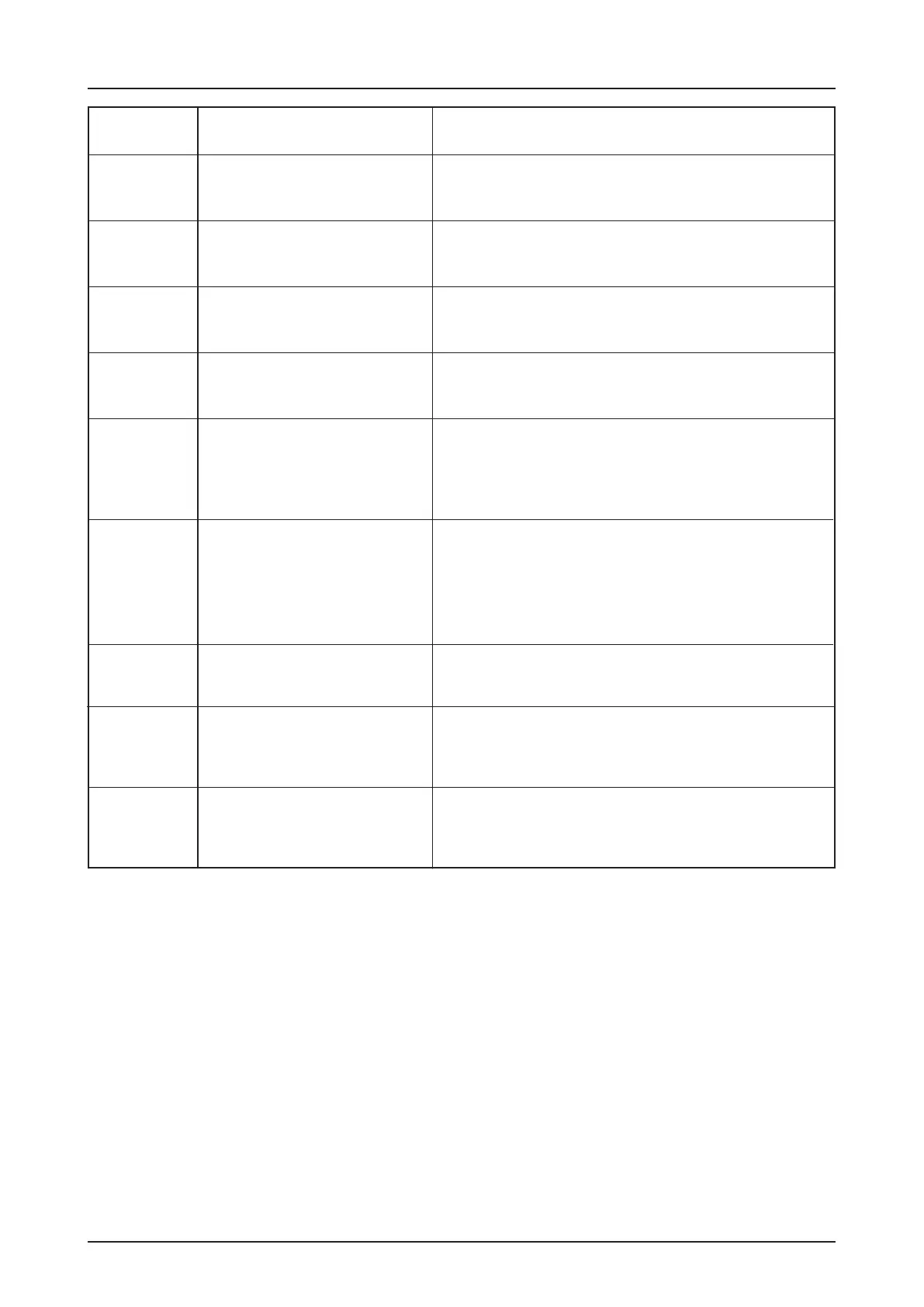
Report Description Measure to solve the problem
ROM - Fault
Internal fault report
RAM - Fault
Internal control fault
DES – no response
Drive unit does not work
Check the limit switches for correct rotational mo-
vement. Check door and door drive unit for stalling.
Warning! Danger of the door dropping!
Stalling may indicate the anti fall back
device (if incorporated) has activated.
Take appropriate measures.
Phase rotation failure Check main supply phase rotation turns right
Check electronic limit DES connection. To acknow-
ledge the fault switch o and on the main switch or
disconnect and reconnect the mains plug.
If necessary replace the control panel or digital limit
DES).
Fault acknowledgement: open and close the pass
door switch or switch OFF and ON the main switch or
disconnect and reconnect the mains plug.
Fault acknowledgement: open and close the pass
door switch or switch OFF and ON the main switch or
disconnect and reconnect the mains plug.
Fault acknowledgement: open and close the pass
door switch or switch OFF and ON the main switch or
disconnect and reconnect the mains plug.
Fault acknowledgement: open and close the pass
door switch or switch OFF and ON the main switch or
disconnect and reconnect the mains plug.
Inadmissible door movement
when stopped, e.g. owing to
worn brake or by a failure deli-
vered from the inverter.
Fault acknowledgement: with next command being
given. Check function of the brake and replace if
necessary. If the brake works correct and if the fault
reappears replace the frequency inverter.
The drive does not follow the
given command e.g. torque
overload or a failure at the
frequency inverter.
Fault acknowledgement: with next command being
given. Check drives load and mains voltage. If this is
correct and if the fault reappears replace the frequency
inverter.
F.
5. 1
5.2
5.3
5.4
5.5
5.6
5.7
5.8
5.9


 To Next Page