GD-Link V2 Adapter User Guide
12
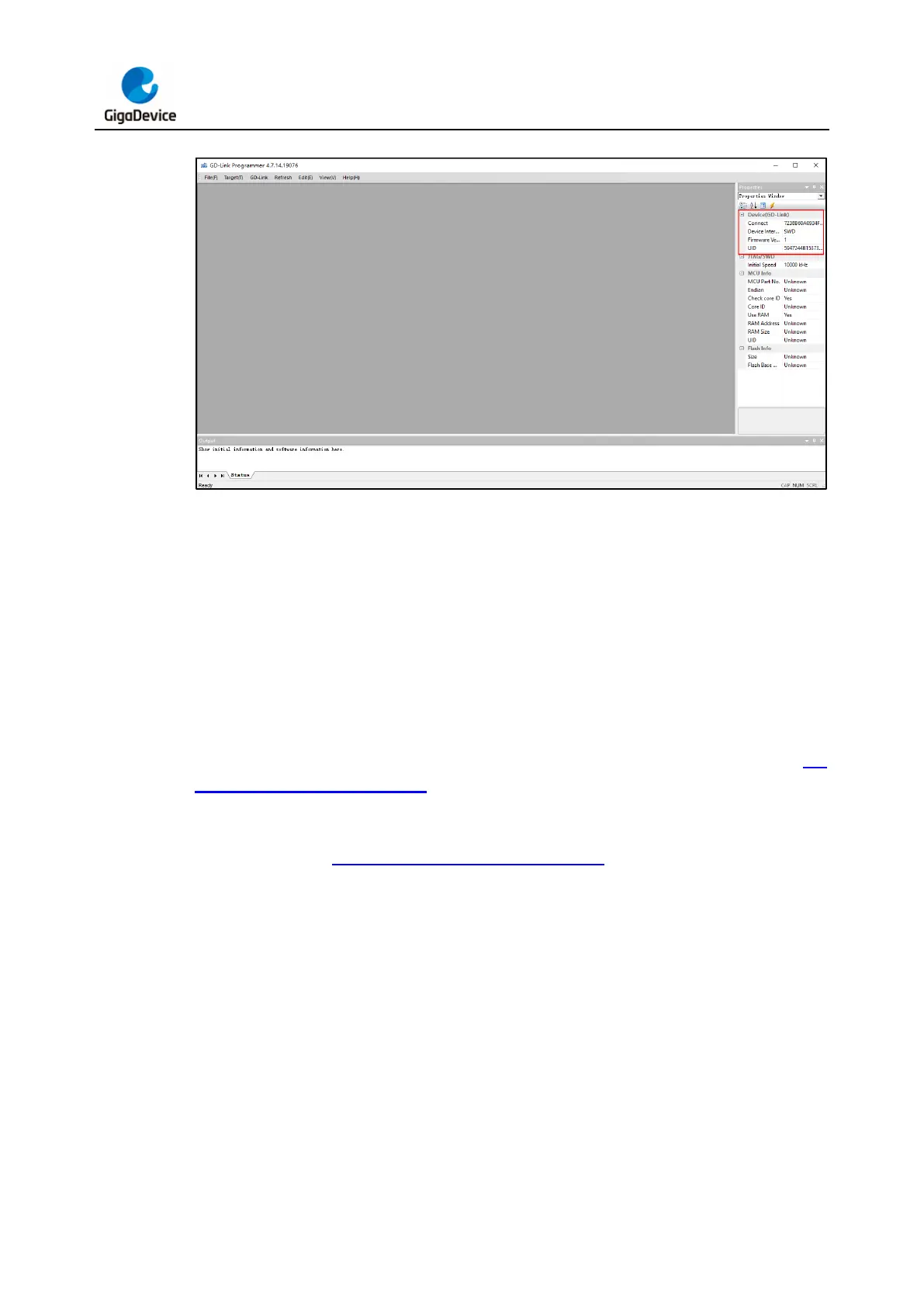
Figure 3-4. GD-Link V2 firmware update step 4
Note: During the firmware update process, do not unplug GD-Link V2 from the computer's
USB port.
3.2. Programming function
3.2.1. IDE programming
Programming with KEIL (version 5.27 and above):
Connect GD-Link V2 to the target chip according to the hardware connection described in Pin
definitions and wiring methods section. Connect the USB interface of GD-Link V2 to the
PC, and wait for LED2 to enter rapid blinking mode. Open KEIL software, in the KEIL Debug
tab, select "CMSIS-DAP Debugger" or "CMSIS-DAP ARMv8-M Debugger" in the "Debug"
option, as shown in Figure 3-5. KEIL debug configuration.



 To Next Page