GD-Link V2 Adapter User Guide
8
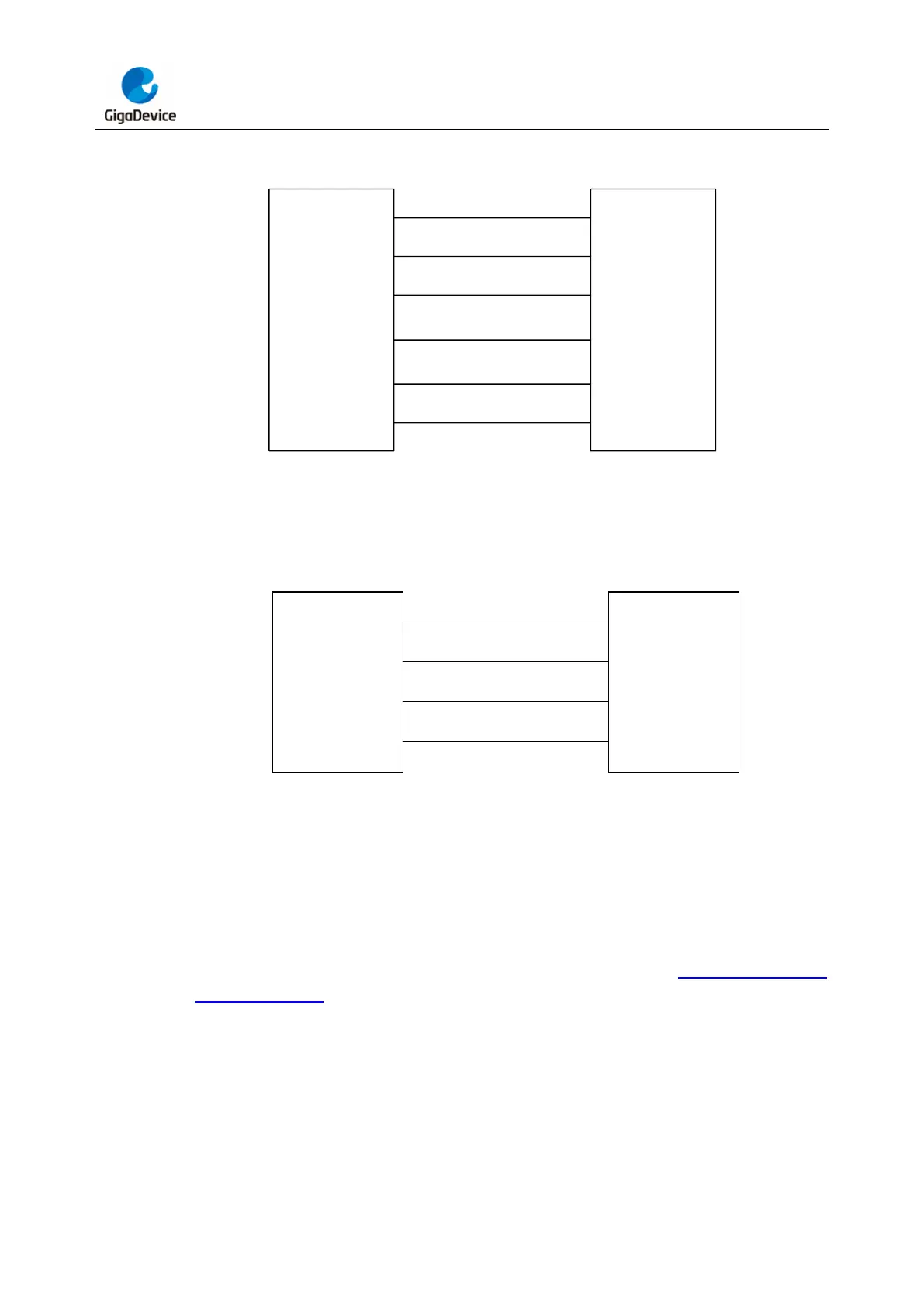
Figure 2-4. SWD + SWO interface connection diagram
T_Vref
T_TMS/IO
GND
T_TCK/CLK
T_Reset
(optional)
1
2
4
3,9
10
VCC
SWDIO
SWCLK
GND
NRST
GD-Link V2 Target MCU
T_TDO SWO
6
Figure 2-5. Serial interface connection diagram
T_Vref
USART_TX
GND
USART_RX
1
5
7
3,9
VCC
RX
TX
GND
GD-Link V2 Target MCU
2.2. Button, LEDs and Buzzer
GD-Link V2 features a single button (K1), a buzzer (BZ1) and four LEDs (LED1/2/3/4) as
indicators. The physical representation of GD-Link V2 is shown in Figure 2-6. GD-Link
adapter hardware. The button K1 is used for firmware updates and offline programming. For
specific usage instructions, please refer to the firmware update and offline programming
section.



 To Next Page