GD-Link V2 Adapter User Guide
24
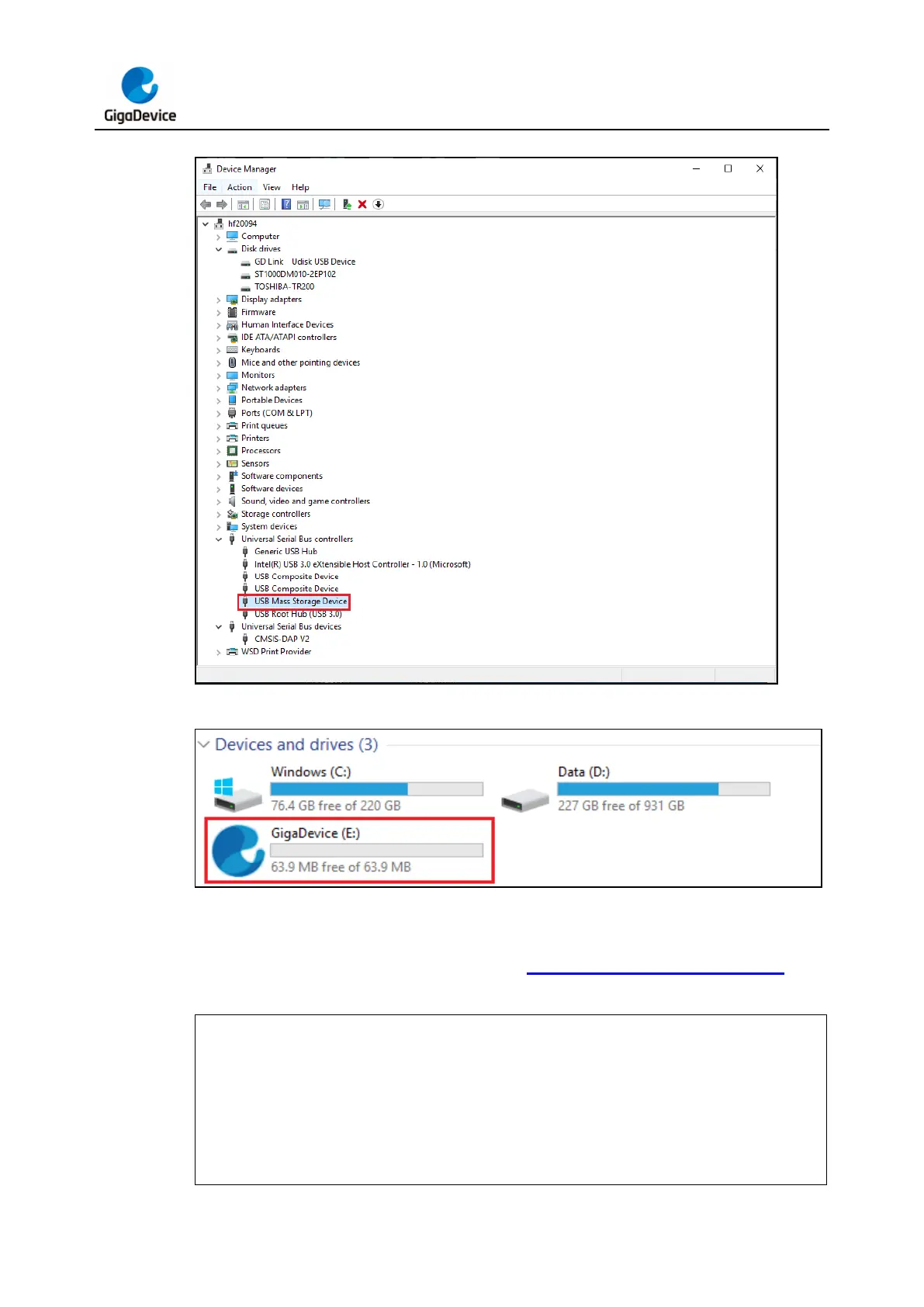
Figure 3-25. USB mass storage device
Figure 3-26. Virtual USB drive
Double-click to open the disk. Inside the disk, there is a CONFIG.TXT file. By modifying the
content of this file and saving it, the initialize the programming parameter can be configured.
The content of the CONFIG.TXT file is shown in Table 3-2. CONFIG.TXT file content.
Table 3-2. CONFIG.TXT file content
Target CPU: ARM
Program Flash start address: 0x08000000
Erase method: Page
Reset method: Software
Read protection: Disable
Sram start address: 0x20000000



 To Next Page