GD-Link V2 Adapter User Guide
18
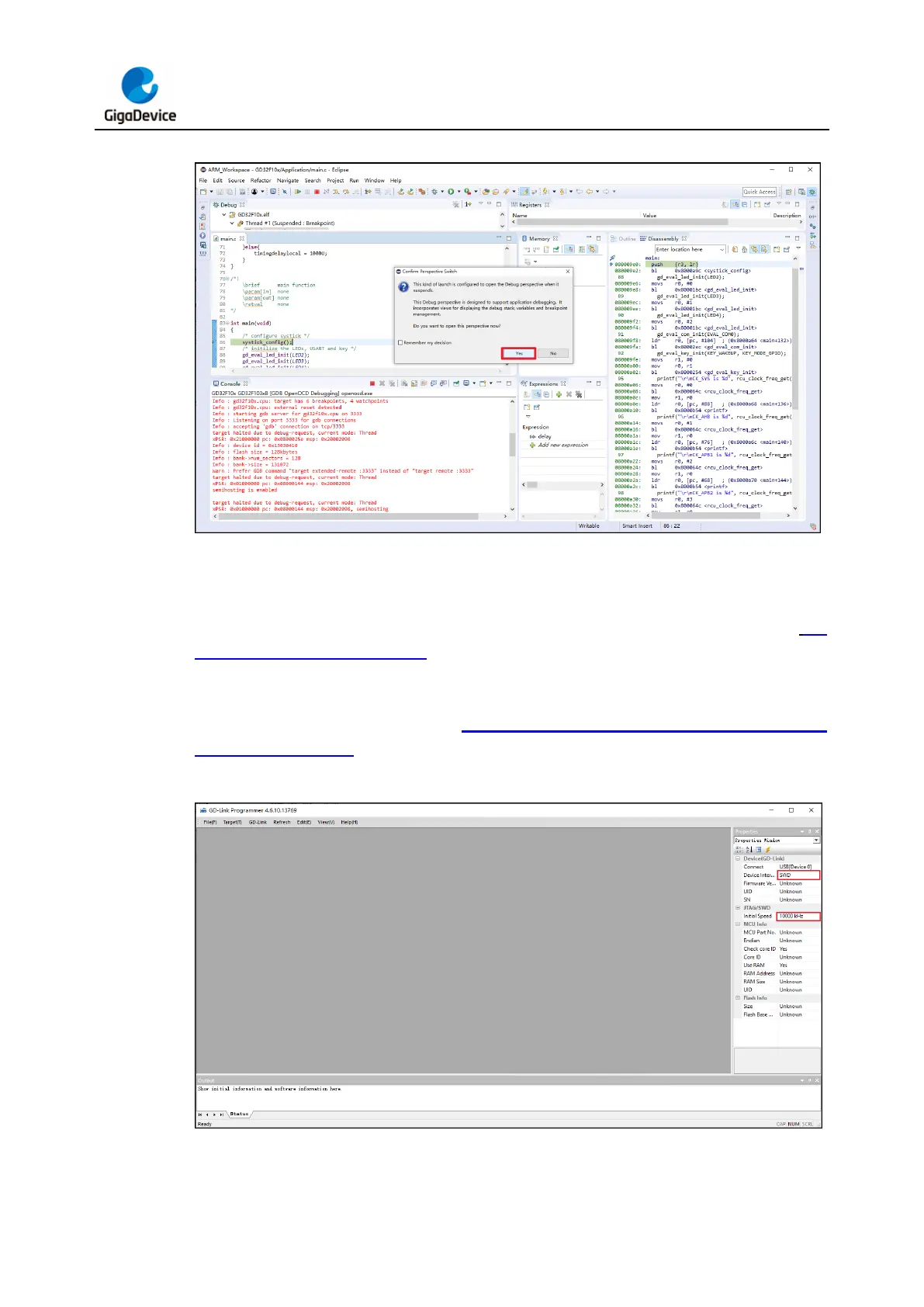
Figure 3-15. Enter the debugging interface in Eclipse
3.2.2. GD-Link Programming
Connect GD-Link V2 to the target chip according to the hardware connection described in Pin
definitions and wiring methods section. Connect the USB interface of GD-Link V2 to the
PC, and wait for LED2 to enter rapid blinking mode. Open the GD-Link Programmer software
and select the JTAG / SWD programming interface and configure the communication speed
in the "Properties" window. Refer to Figure 3-16. GD-Link programmer programming
options configuration for an illustration of GD-Link Programmer programming options.
Figure 3-16. GD-Link programmer programming options configuration
Click the "Target" dropdown menu and choose the "Connect" option. Check the "Output"
window for a message indicating "Connection successful." At the same time, the detailes



 To Next Page