GD-Link V2 Adapter User Guide
30
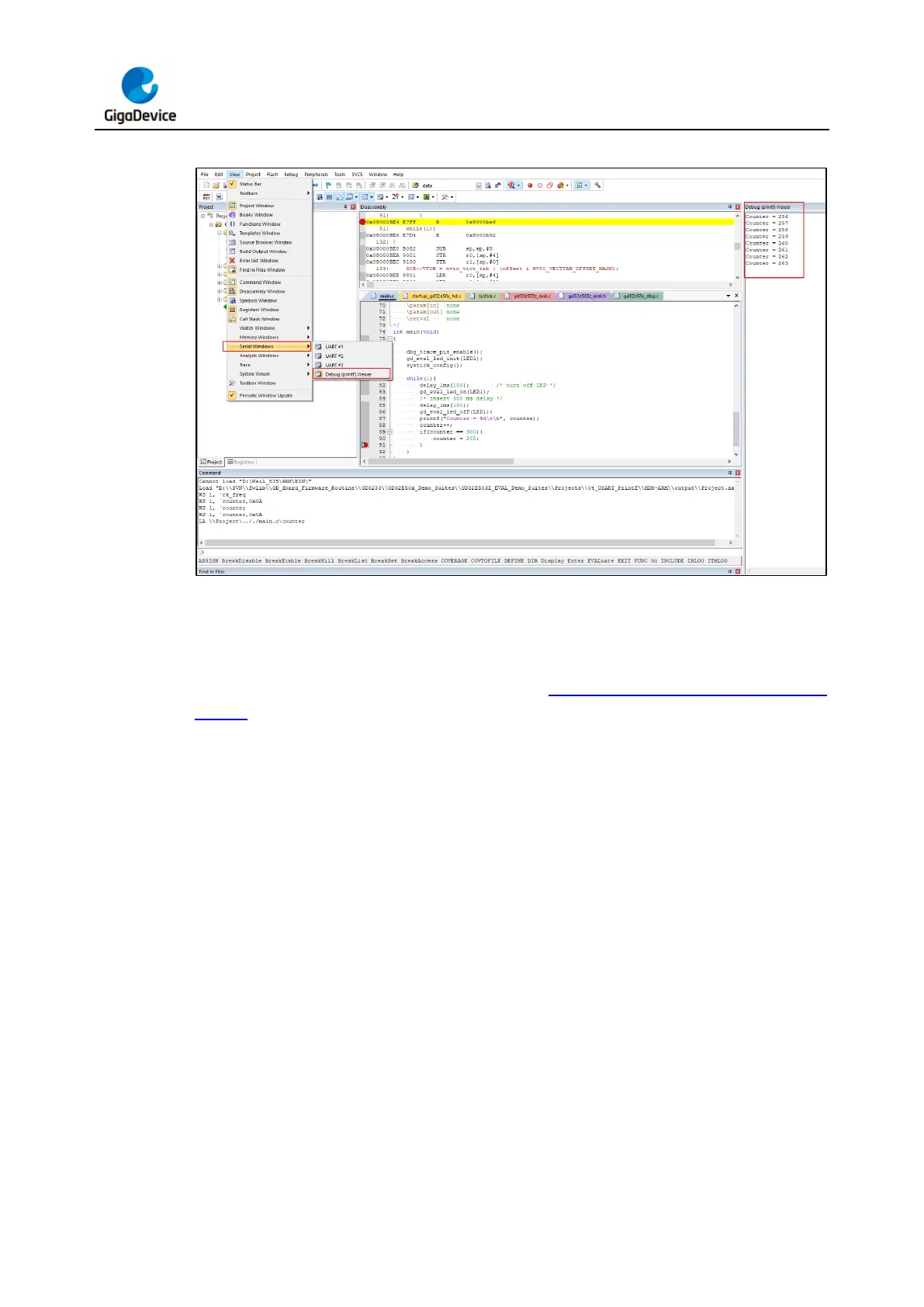
Figure 3-31. Debug (printf) viewer window in KEIL
Enter the debugging interface, choose "View" -> "Analysis Windows" -> "Logic Aanlyzer",
open the logic analyzer window, add the variables to be observed, run the code at full speed,
and the value of the variable will be displayed in the logic analyzer window through the
waveform. The Logic Aanlyzer window is shown in Figure 3-32. Logical Analyzer window
in KEIL.



 To Next Page