GD-Link V2 Adapter User Guide
31
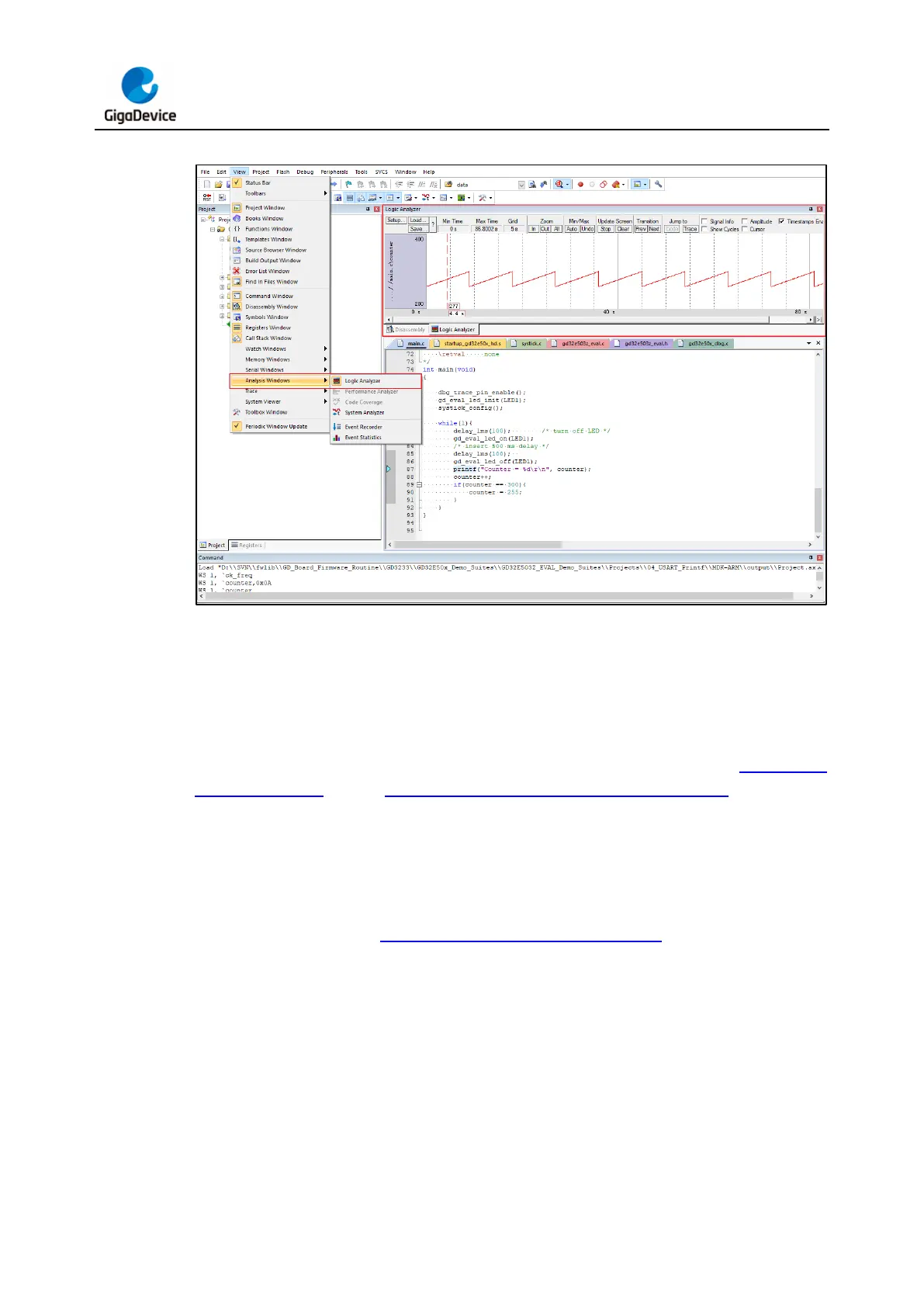
Figure 3-32. Logical Analyzer window in KEIL
3.4. Virtual serial port printing
When the GD-Link V2 USB is inserted into the PC port, a USB serial device will appear on
the PC Device Manager port (COM and LPT) interface (there is no driver for WIN10 system,
and the corresponding driver should be installed for win7 system), as shown in Figure 3-33.
USB serial device, refer to Figure 2-5. Serial interface connection diagram. Connect GD-
Link V2 to the serial port pin hardware of the target chip, configure the correct serial port baud
rate and other information in the serial port debugging assistant, and write the data to be sent
to the target MCU serial port receiver through the serial port debugging assistant. The target
MCU can also print the information to be printed through the USB port of the burner to the
upper computer interface of the serial debugging assistant through the serial port transmitter
and display it, as shown in Figure 3-34. USB virtual serial printing.



 To Next Page