GD-Link V2 Adapter User Guide
9
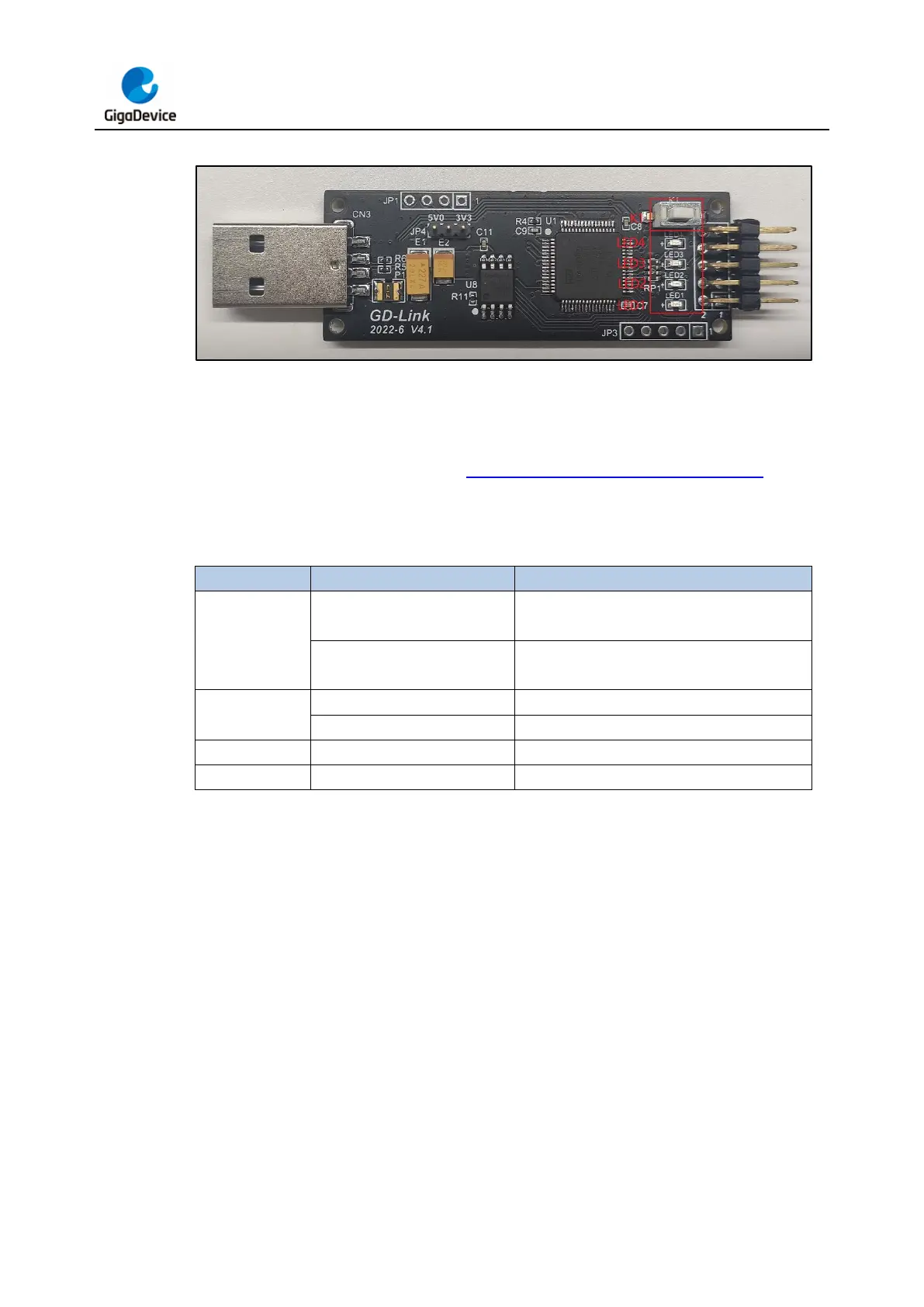
Figure 2-6. GD-Link adapter hardware
During offline programming and drag-and-drop programming from a virtual USB disk, when
the target chip has been successfully programmed with the desired file, the buzzer will beep,
indicating a successful programming status. The on-off and blinking of the LED indicate
different working states of GD-Link V2. Table 2-2. Working status of GD-Link V2 provides
a description of the different status of these LEDs which indicate the status of programming
and debugging tool.
Table 2-2. Working status of GD-Link V2
GD-Link V2 working status
Offline programming or drag-and-drop
programming successful
performing offline programming or drag-and-
drop programming
USB connection successful



 To Next Page