87
CP30 INSTRUCTION MANUAL
Squelch Level
The Squelch level sets the sensitivity of the Squelch to incoming signals.
1. Press the programmed Squelch Level key to enter the Squelch Level
menu.
2. Rotate the Channel Selector knob or press the key to adjust
the Squelch level from a minimum of 1 to a maximum of 9.
3. Press the
MENU
F
key to exit or wait a few seconds for the menu to time-out.
Status Message Toggle
Press the programmed Status Message Toggle key to enter to toggle Status
Messages ON or OFF.
MSGTXT ON or MSGTXT OFF will be displayed.
Status Message Menu
1. Press the programmed Status Message Menu key to enter the
Status Messages menu.
2. Rotate the Channel Selector knob or press the key to toggle
Status Messages ON or OFF.
MSGTXT ON or MSGTXT OFF will be displayed.
3. Press the
MENU
F
key to exit or wait a few seconds for the menu to time-out.
Status Messages ON
Press the programmed Status Messages On key to switch Status Messages ON.
MSGTXT ON will appear briey.
Status Messages OFF
Press the programmed Status Messages O key to switch Status Messages OFF.
MSGTXT OFF will appear briey.
TX Power Cycle
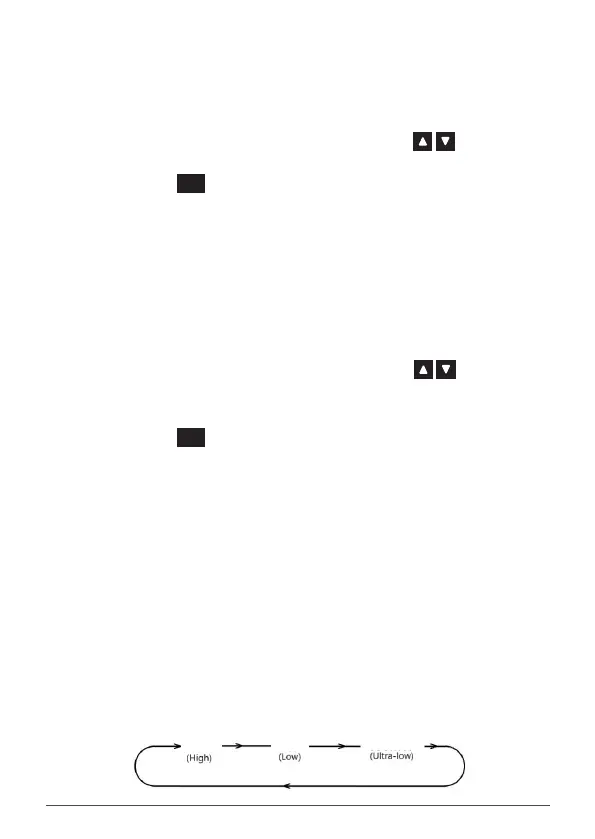
Press the programmed TX Power Cycle key to cycle the transmitter power
setting. At each key press the radio will display 5W, 1W or 100MW.
When 5W is selected the radio will transmit at maximum power. When 1W is
selected the LO icon is displayed. When 100mW is selected the ULO icon is
displayed.
100mW
5W
1W



 To Next Page