141
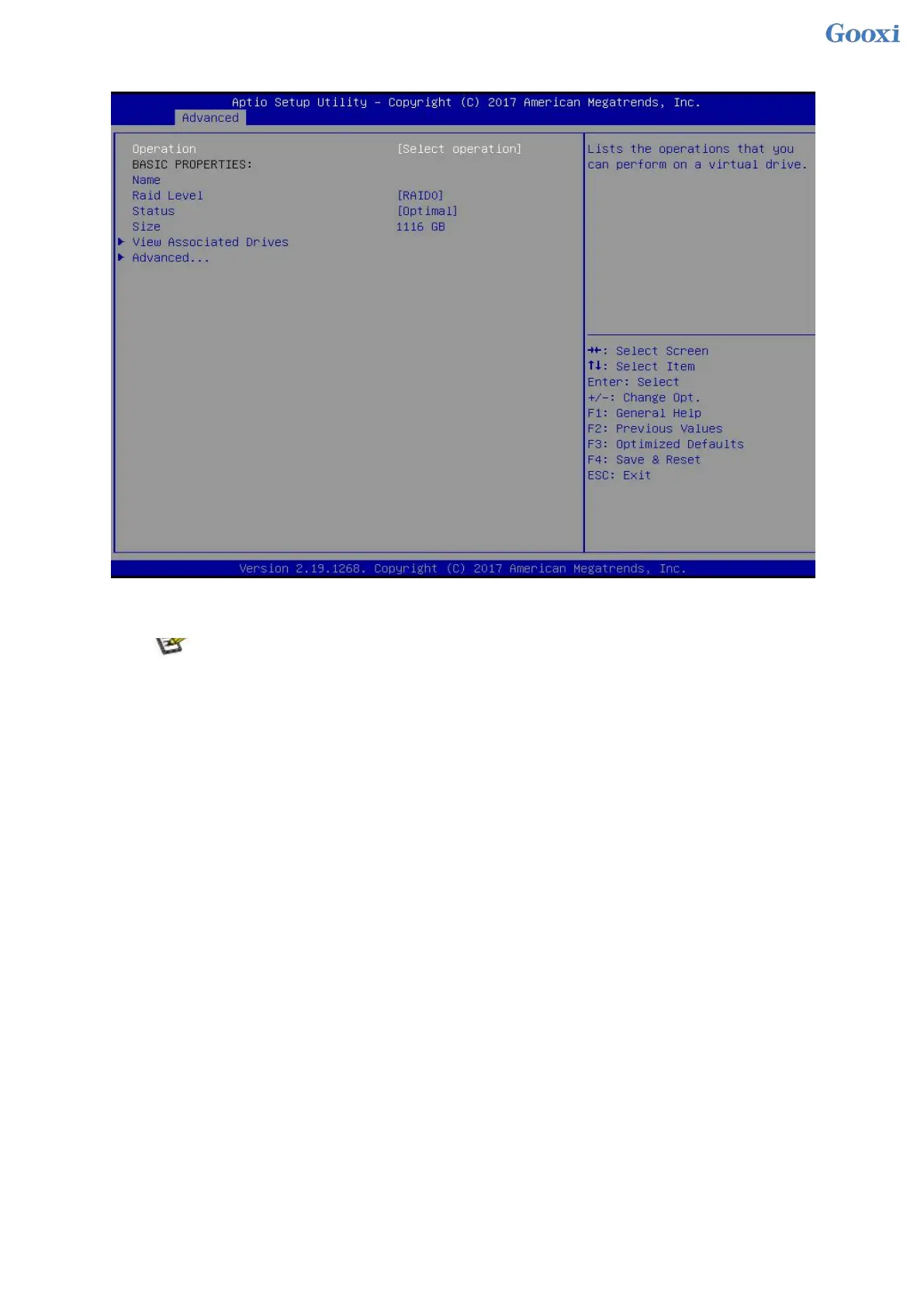
Figure 6-42 Select View Associated Drives
Figure 6- 42
To configure a hot spare disk:
After configuring RAID, a hot spare disk is generally configured to improve data security. A global
hot spare disk or a dedicated hot spare disk can be configured as required.
Hot spares are only used for RAID levels where redundancy exists.
The capacity of the hot spare disk is larger than the capacity of a single RAID member disk to contribute to
the RAID.
Only disks whose configuration mode is Unconfigured Good are supported as hot spare disks.
Configuring a global hot spare
1. As shown in Figure 6-43, select Drive Management on the RAID card configuration interface, and
press Enter.
Figure 6-43 RAID card configuration interface


 To Next Page
 Loading...






