EasyManua.ls Logo

GRAPHTEC FC8600-60 - Page 108

GRAPHTEC FC8600-60
152 pages
Print Icon
To Next Page IconTo Next Page
To Previous Page IconTo Previous Page
Loading...
FC8600-UM-251-9370 8-5
8 TROUBLESHOOTING
Error
code
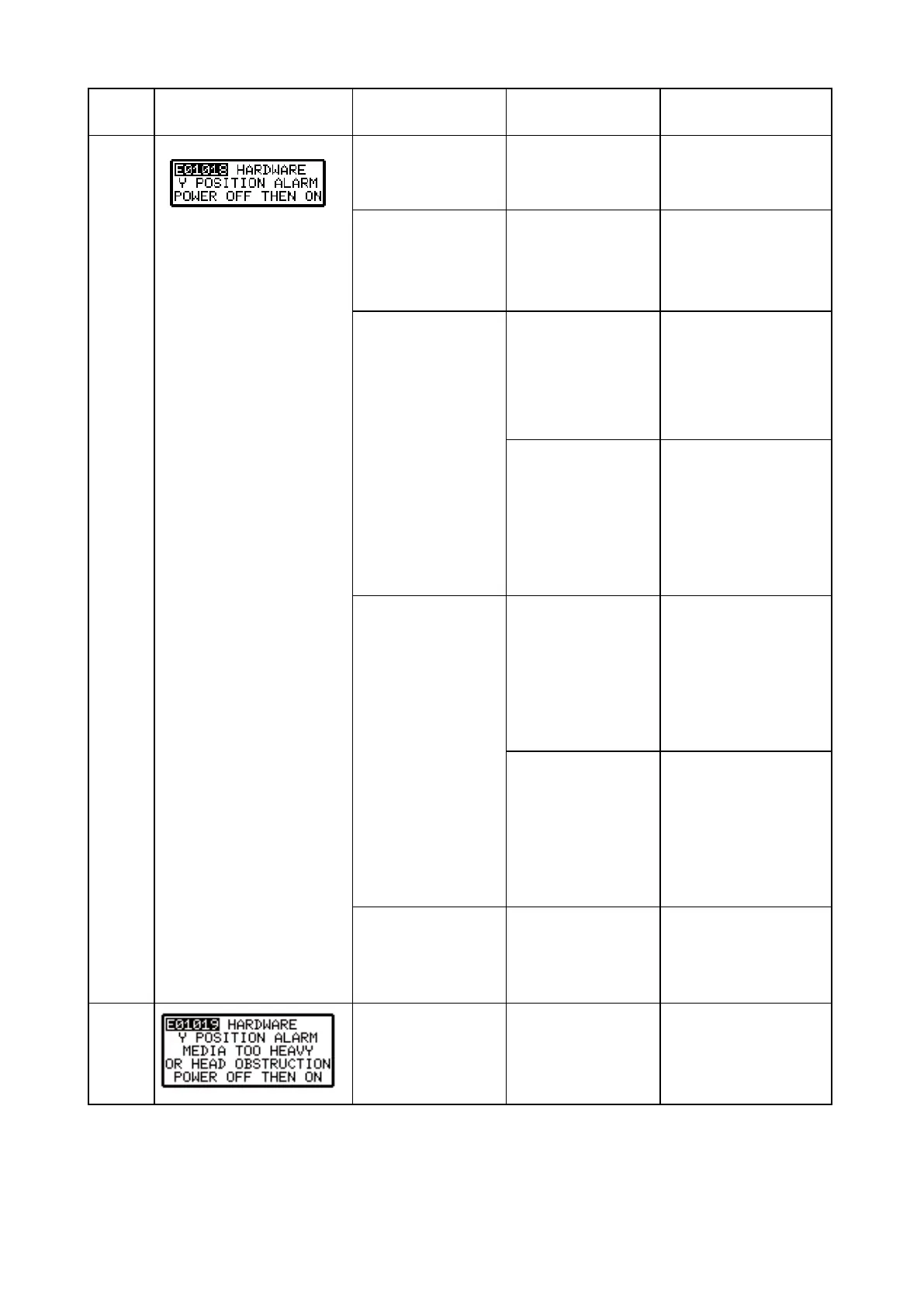
Error Display Cause Verication item Solution
E01018
Cutting conditions do
not suit the cutting
medium.
Cutting conditions. Lower the cutting
SPEED and/or the
cutting FORCE.
Movement of the
pen carriage is being
obstructed.
Is there anything
blocking the Y slider?
Turn off the plotter,
remove the obstacle,
then turn the plotter
back on.
Excessive load is
causing the current to
the motor to exceed
the rated value.
(1) Does the Y
slider move
smoothly?
No .....Check and adjust
the Y belt tension
and Y motor belt
tension.
Yes ....Verify item (2).
(2) Is the Y exible
cable securely
connected?
Or Is the Y
exible cable
broken?
No .....Connect it
securely.
Yes ....Replace the Y
exible cable if
defective.
Home sensor
or sensor plate
adjustment.
(1) Is the Y home
sensor plate
position correct?
No .....Check and adjust
the X-home
sensor position.
Yes ....Replace the
X-home sensor if
defective.
(2) Is the Y home
sensor position
correct?
No .....Check and adjust
the X-home
sensor position.
Yes ....Replace the
X-home sensor if
defective.
Motor
Does the X-motor
turn smoothly?
No Replace the
X-motor if defective.
Yes ....Replace the main
board if defective.
E01019 Load on the motor
was too large.
Is there anything
blocking the Y
movement?
Turn off the plotter,
remove the obstacle,
then turn the plotter
back on.

Table of Contents

Related product manuals