FC8600-UM-251-9370 7-18
7 ADJUSTMENT
7.3.4 How to Enter the Adjustment Menu
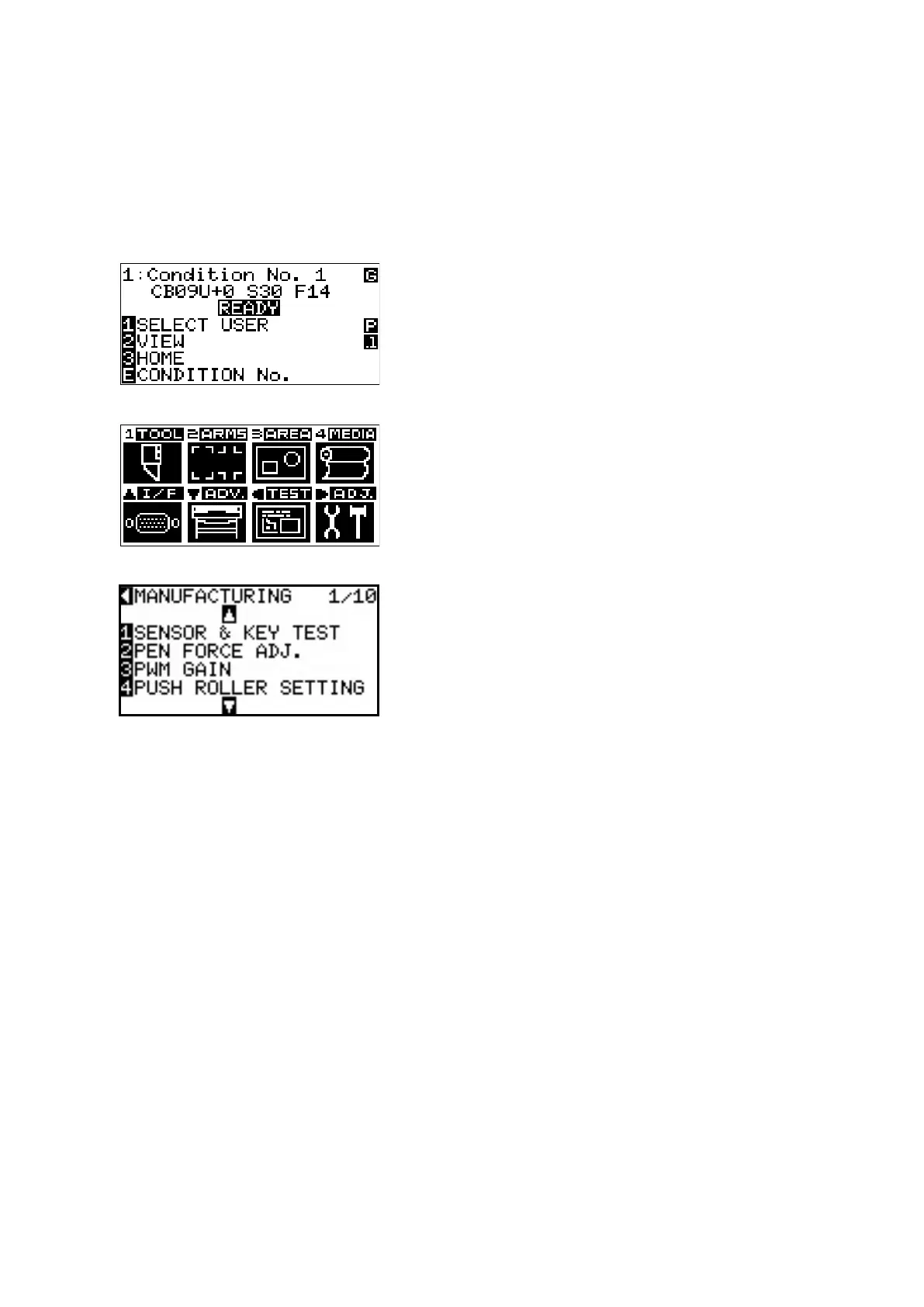
(1) Turn on the power while pressing the FAST and ENTER keys.
Or
After turning on the power, press the FAST key and the ENTER key simultaneously within 2 seconds.
(2) Load a sheet of paper in the plotter.
(3) The plotter displays the menu shown below.
(4) Press the MENU key to display the menu shown below.
(5) Press the Right Position key to display the adjustment menu shown below.










 To Next Page