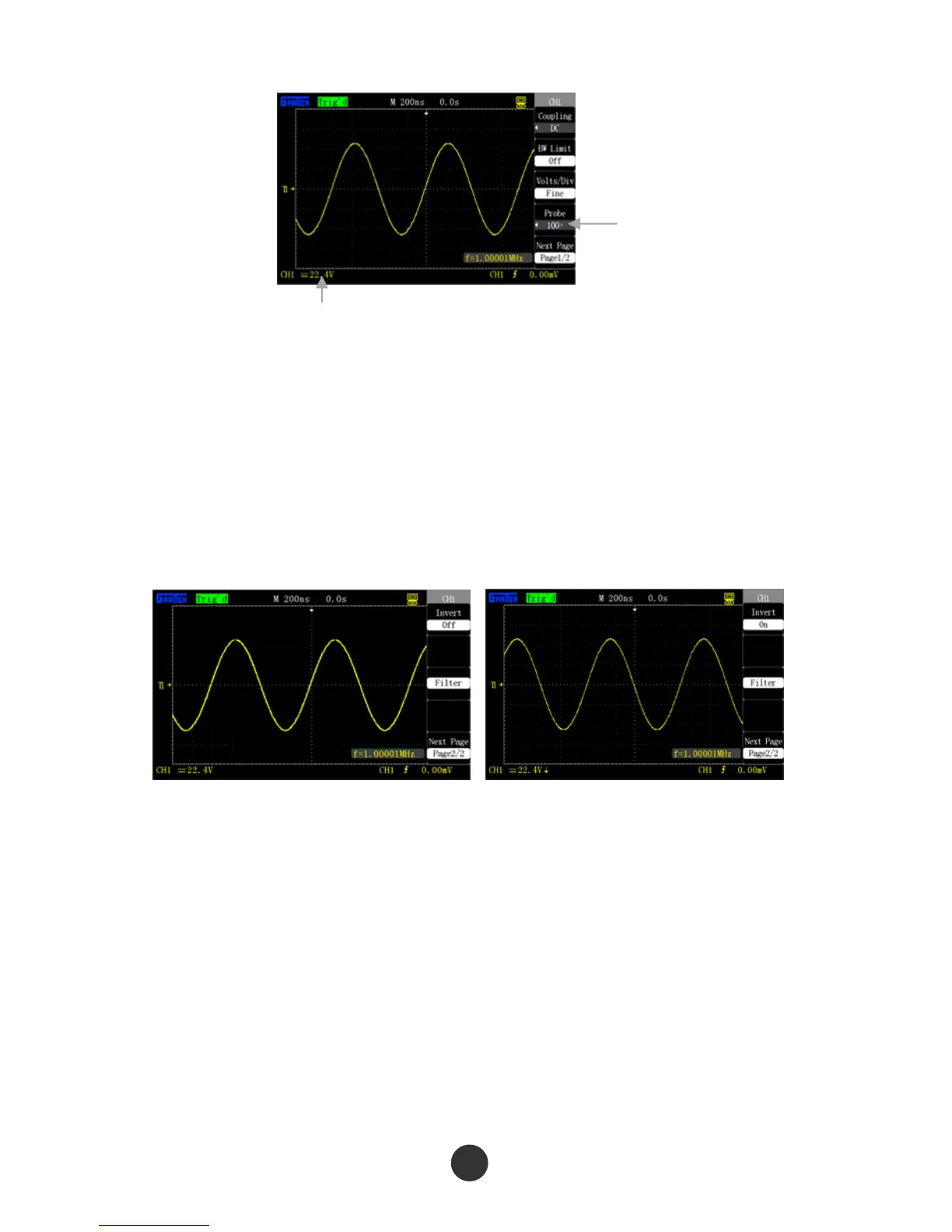
Figure 2-13 Probe 100X
5. Waveform inverse setup
Use channel CH1 as an example:
Press [CH1]→“Inverse”→“OFF”, as shown in figure 2-14.
Press [CH1]→“Inverse”→“ON”, and reverse the displayed signal by 180 degrees
relative to zero electric level as reference, as shown in figure 2-15.
Figure 2-14 Inverse OFF Figure 2-15 Inverse ON
6. Digital filter setup
Press [CH1]→“Next”→“Digital filter”, and display digital filter function menu
“FILTER”; select “Filter type”, then select “Frequency upper limit” or “frequency
lower limit”, and revolve the [UNIVERSAL] knob to set the frequency upper limit
and frequency lower limit.
Press [CH1]→“Next”→“Digital filter”→“OFF”, and close the digital filter function,
as shown in figure 2-16.
Vertical gear change
Probe coefficient



 To Next Page