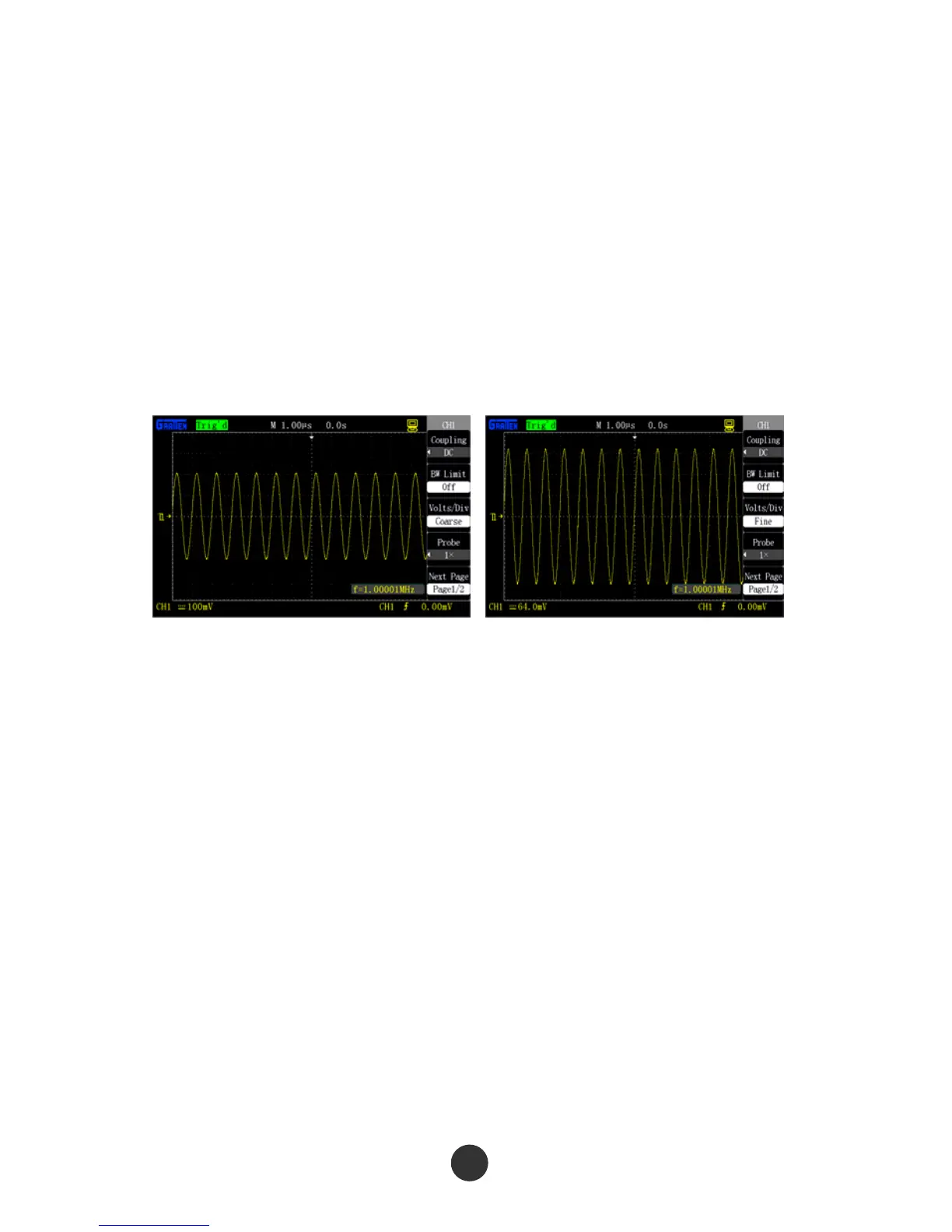
Press [CH1]→“Volt/div”→“Coarse tuning”, and determine the vertical gear by a
1-2-5 stepping mode in coarse tuning, as shown in figure 2-11.
Press [CH1]→“Volt/div”→“Fine tuning”, and fine tuning is further regulated in the
current vertical gear.
Fine tuning can be applied to improve waveform display so as to contribute to
observation on signal details if the amplitude of the input waveform is a little larger
than the full scale at the current gear but is a little smaller when the waveform is
displayed at the next gear, as shown in figure 2-12.
Figure 2-11 Coarse tuning Figure 2-12 Fine tuning
4. Probe proportion setup
To be matched with the probe attenuation coefficient, the probe attenuation proportion
coefficient should be accordingly regulated in the channel operation menu. If the probe
attenuation coefficient is 10:1, the proportion of the input channel of the oscilloscope
should be set as 10X so as to avoid the errors of the displayed gear information and
the measured data.
Use channel CH1 as an example, when a probe (100:1) is used:
● Press [CH1]→“Probe”→“100X”, as shown in figure 2-13:



 To Next Page