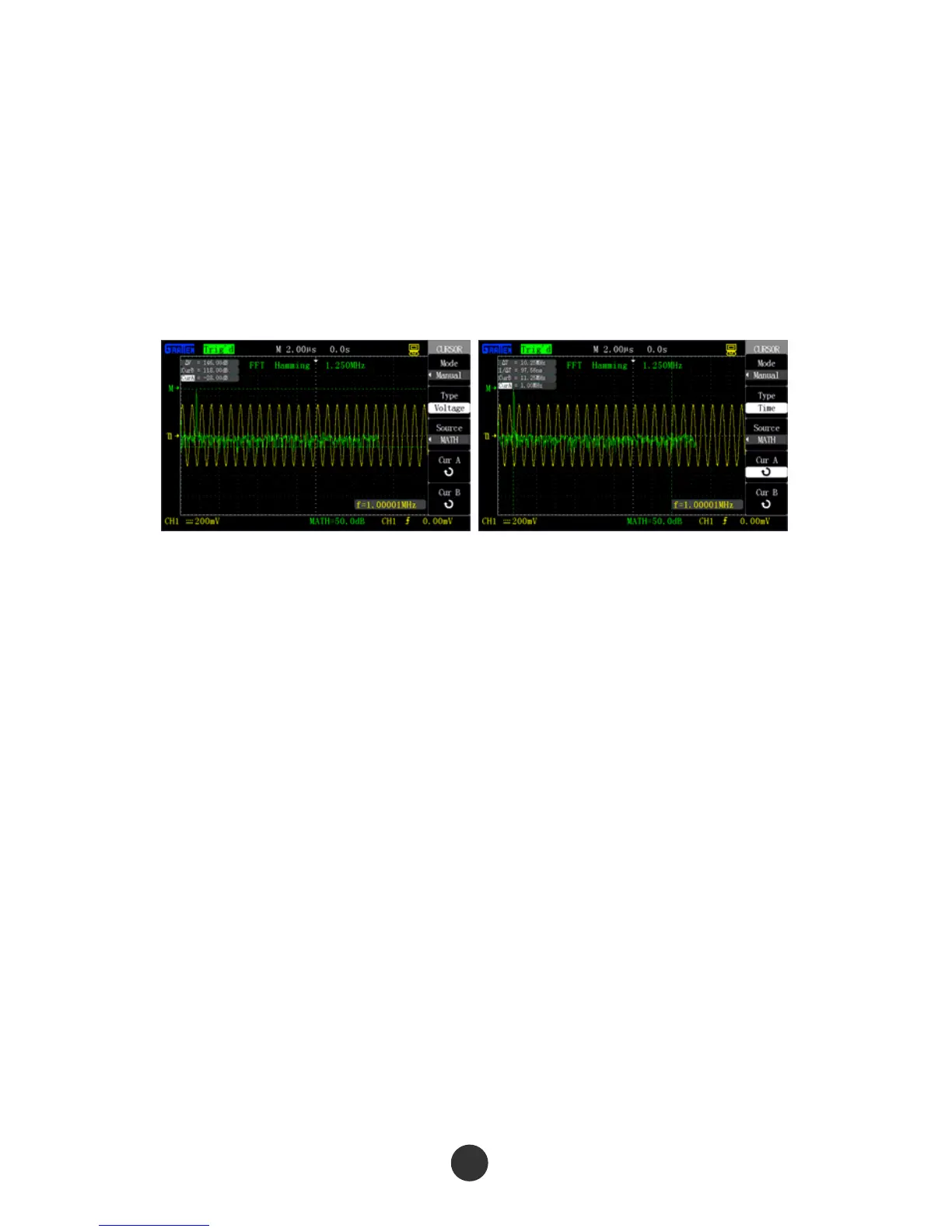
10) Press “CurA”, and revolve the [UNIVERSAL] knob to move cursor A to the lowest
point of the FFT waveform.
11) Press “CurB”, and revolve the [UNIVERSAL] knob to move cursor B to the highest
point of the FFT waveform.
12) The value of Delta V on the screen is the amplitude of the FFT waveform, as shown
in figure 2-20.
Figure 2-20 Cursor measurement Figure 2-21 Cursor measurement
of spectrum amplitude of spectrum frequency
2. Measure the FFT spectrum frequency by the following steps:
1) Repeat previous steps 1-7 for measuring the spectrum amplitude.
2) Press “Type” and select “Frequency”.
3) Press “Signal source” and select “FFT”.
4) Press “CurA”, and revolve the [UNIVERSAL] knob to move cursor A to the highest
position of the FFT spectrum.
5) The value of CurA on the screen is the frequency of the highest point of the FFT
spectrum, and the frequency should be equal to the frequency of the input signal,
as shown in figure 2-21.



 To Next Page