38
Table 2-17 Page 1 of the video trigger function menu:
Option Setup Description
Type Video
Trigger an NTSC or PAL standard video
signal when selecting video, and preset
the trigger coupling as alternating
current.
Signal source
CH1
CH2
EXT
EXT/5
See the signal source in 2.7.1.
Polarity
Standard
Inverse phase
Trigger under negative synchronous pulse
Trigger under positive synchronous pulse
Synchronization
All rows
Specified row
Odd field
Even field
Select suitable video for synchronization
Next Page 1/2
Skip to page 2 of the video trigger
function menu.
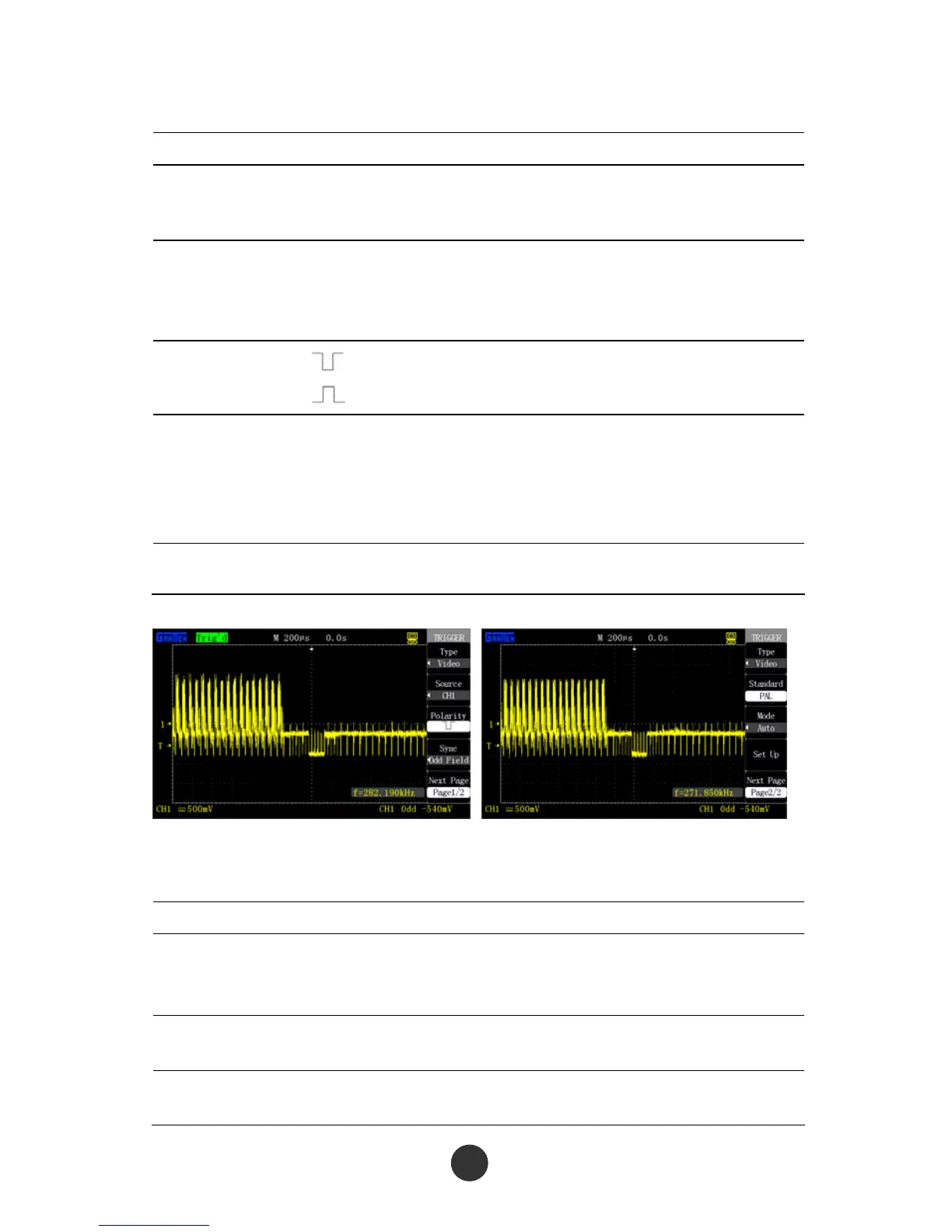
Figure 2-31 Page 1 of video trigger menu Figure 2-32 Page 2 of video trigger menu
Table 2-18 Page 2 of the video trigger function menu:
Option Setup Description
Type Video
Trigger an NTSC or PAL standard video signal
when selecting video, and preset the trigger
coupling as alternating current.
Standard
NTSC
PAL
Select video standard for synchronization and
row counting.
Trigger
mode
Auto
Normal
See the trigger mode in table 2-13.



 To Next Page