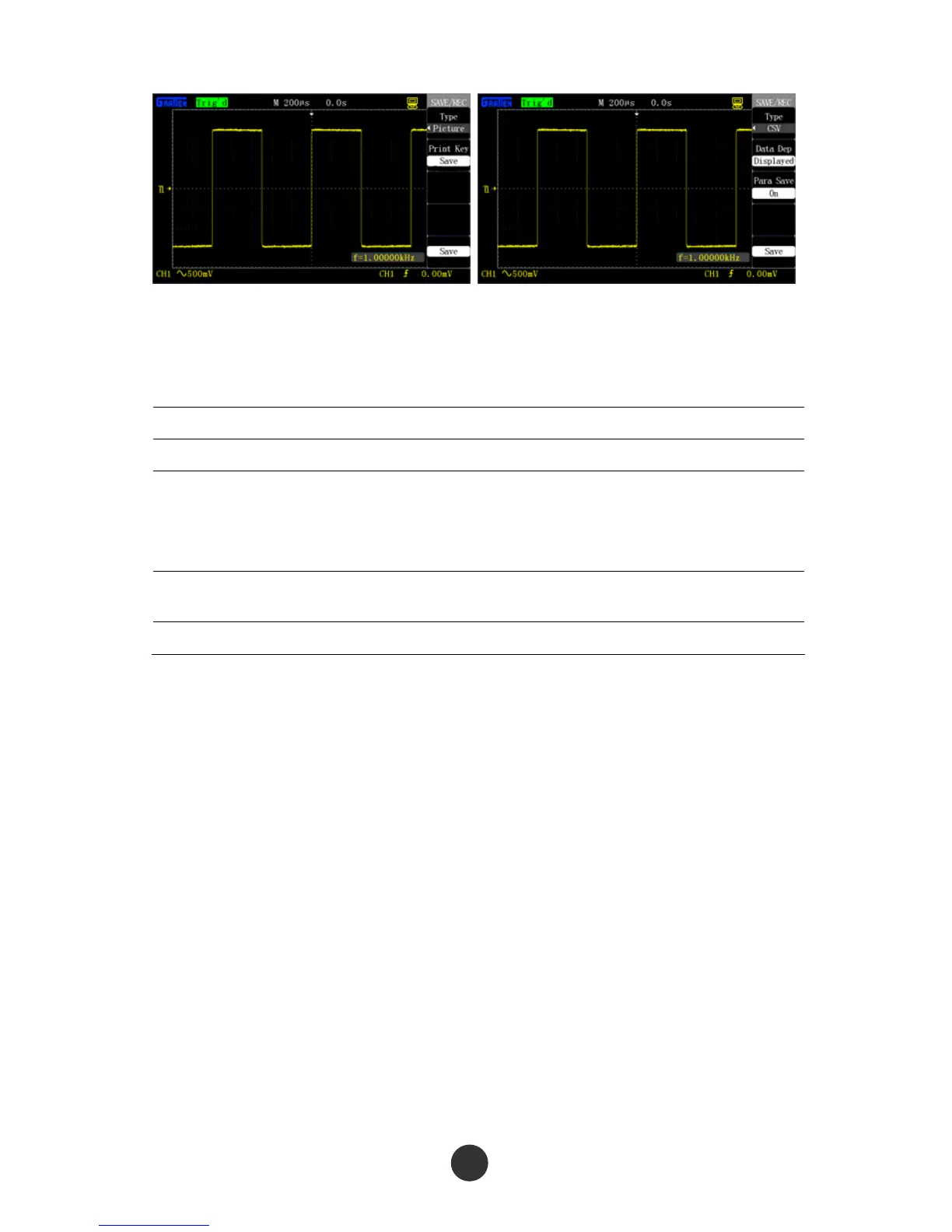
Figure 2-61 Image save Figure 2-62 CSV save
■ CSV save
Table 2-42 CSV save function menu:
Option Setup Description
Type CSV Save CSV file in a USB flash disc.
Data length
Screen
Internal memory
The CSV file is used for saving the waveform
data displayed on the screen.
The CSV file is used for saving the waveform
data of the internal memory.
Parameter save
Run
Stop
Set whether to save the corresponding
parameters when saving the CSV file.
Save
Save the interface.
As shown in figure 2-62, the following steps can be carried out to save the CSV file in
the USB flash disc:
1. Press [SAVE/RECALL] to skip to the “SAVE/RECALL” menu.
2. Press “Type” to select “CSV”.
3. Plug the USB flash disc, and prompt “USB save equipment is connected
successfully” after the connection is normal.
4. Press “Data length” to select “Screen” or “Internal memory”.
5. Press “Parameter save” to select “Stop” or “Run”.
6. Press the “Save ” option to save the CSV.
The data is saved in the root directory of the USB flash disc, and the file name is
defaulted as GASxxxx.CSV, such as GAS0001.CSV.
67



 To Next Page