76
Rule setup
Skip to a rule setup menu.
Back
Back to the pass/fail main menu.
Back Page 2/2
Back to page 1 of the pass/fail menu.
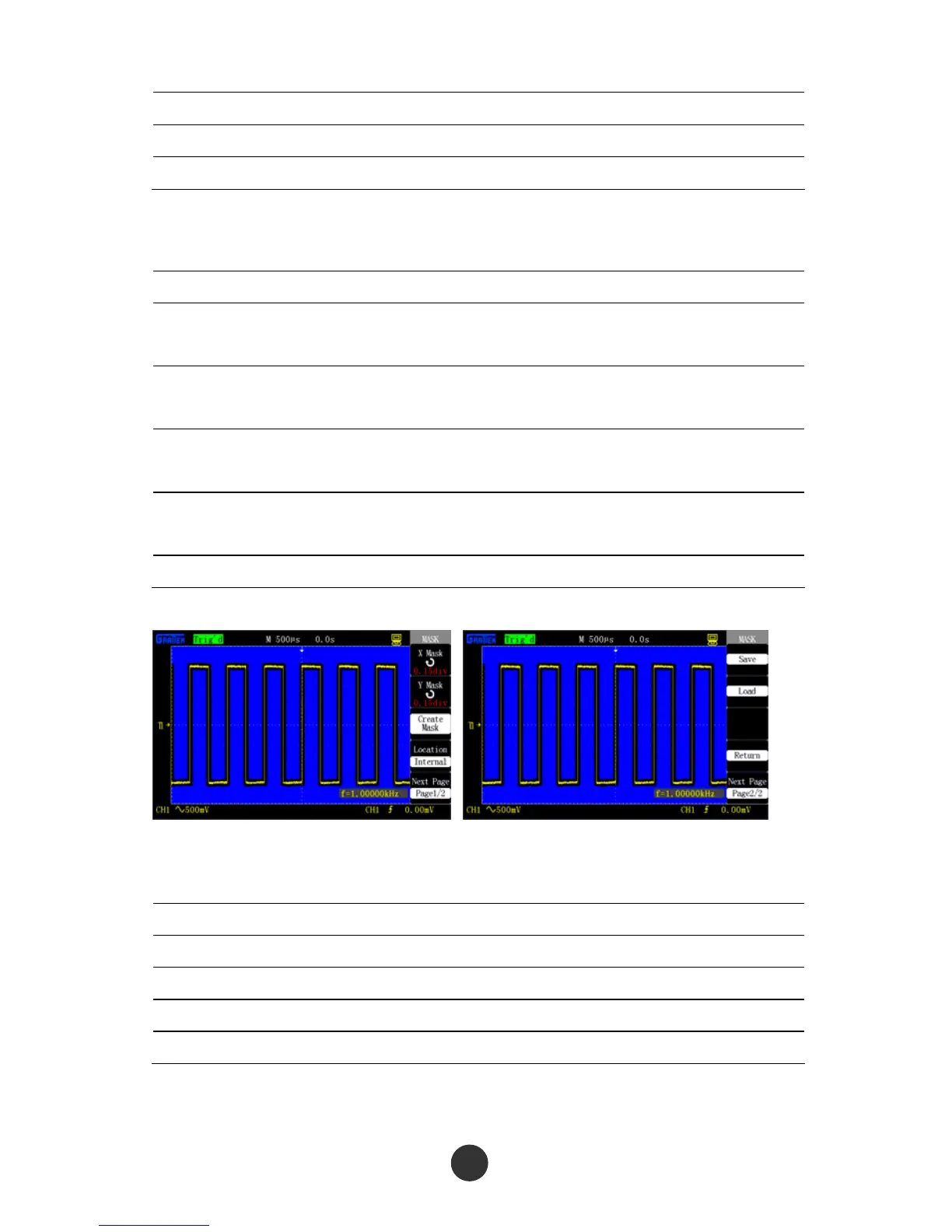
Table 2-49 Page 1 of the rule setup menu:
Option Setup Description
Horizontal
regulation
Use the [UNIVERSAL] knob to set a horizontal
tolerance range: 0.04div-4.00div
Vertical
regulation
Use the [UNIVERSAL] knob to set a vertical
tolerance range: 0.04div-4.00div
Build rules
Build a rule template according to the two
setups above.
Save position
Inside
Outside
Select a save position for the rule.
Next Page 1/2 Skip to page 2 of the rule setup menu.
Figure 2-75 Page 1 of rule setup menu Figure 2-76 Page 2 of rule setup menu
Table 2-50 Rule setup menu 2:
Option Setup Description
Save Save the rule setups.
Recall Recall the waved rule setups.
Back Back to the rule setup main menu.
Back Page 2/2 Back to page 1 of the rule setup menu.



 To Next Page