48
M_LS100IQ EX Energy_EN_C
Operating instructions for the machine
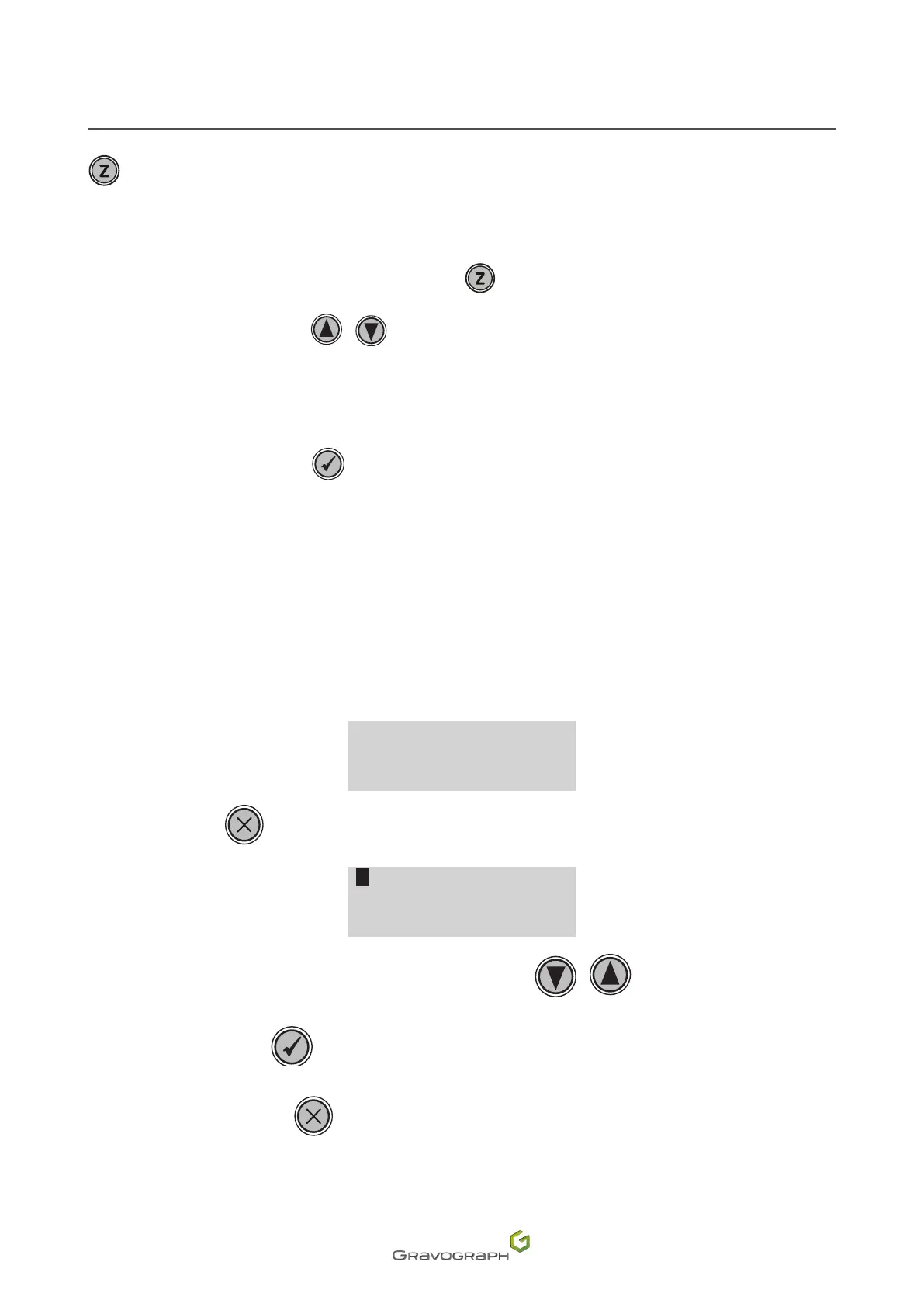
Thiskeyisusedtoadjusttheheightoftheengravingtable.
The operator can adjust the vertical position anywhere within the area.
1. To switch to vertical movement: Press the key: .
2. Press and hold the key(s). / .
The table moves vertically to the desired position.
3. Release the key(s).
4. Toconrm,pressthekey: .
The vertical position is saved.
Accesstothedierentmenus
To access the machine menu(s):
1. Switch on the machine.
Wait until the following message appears on the screen:
<READY TO RECEIVE >
2. Press the key: .
PARAMETERS
FILE
INFO
CONFIGURATION
Toselectamenu,pressthekey(s)asmanytimesasnecessary: /
Toconrm,pressthekey:
Tocancel/exit,pressthekey:


 To Next Page