53
M_LS100IQ EX Energy_EN_C
M. Using the machine
Example:Engravingakeyring
1. Switching on the PC / Switching on the machine
1. Switch on the PC.
2. Wait until start-up is complete.
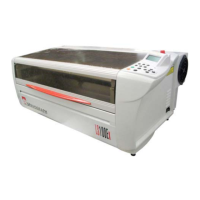
3. Switch on the machine.
2. Creating the composition
1. Adjustthepagesizetothemaximumsizeoftheengravingareainthegraphicssoftware(LS100IQ
/ ENERGY: 460 mm (18.110 in) x 305 mm (12.008 in) - LS100 EX / EX ENERGY: 610 mm (24.016 in)
x 305 mm (12.008 in)).
2. Enterthetexttobemarked.Itshouldhaveablackllandnocontour.
Example: enter "ABCDE".
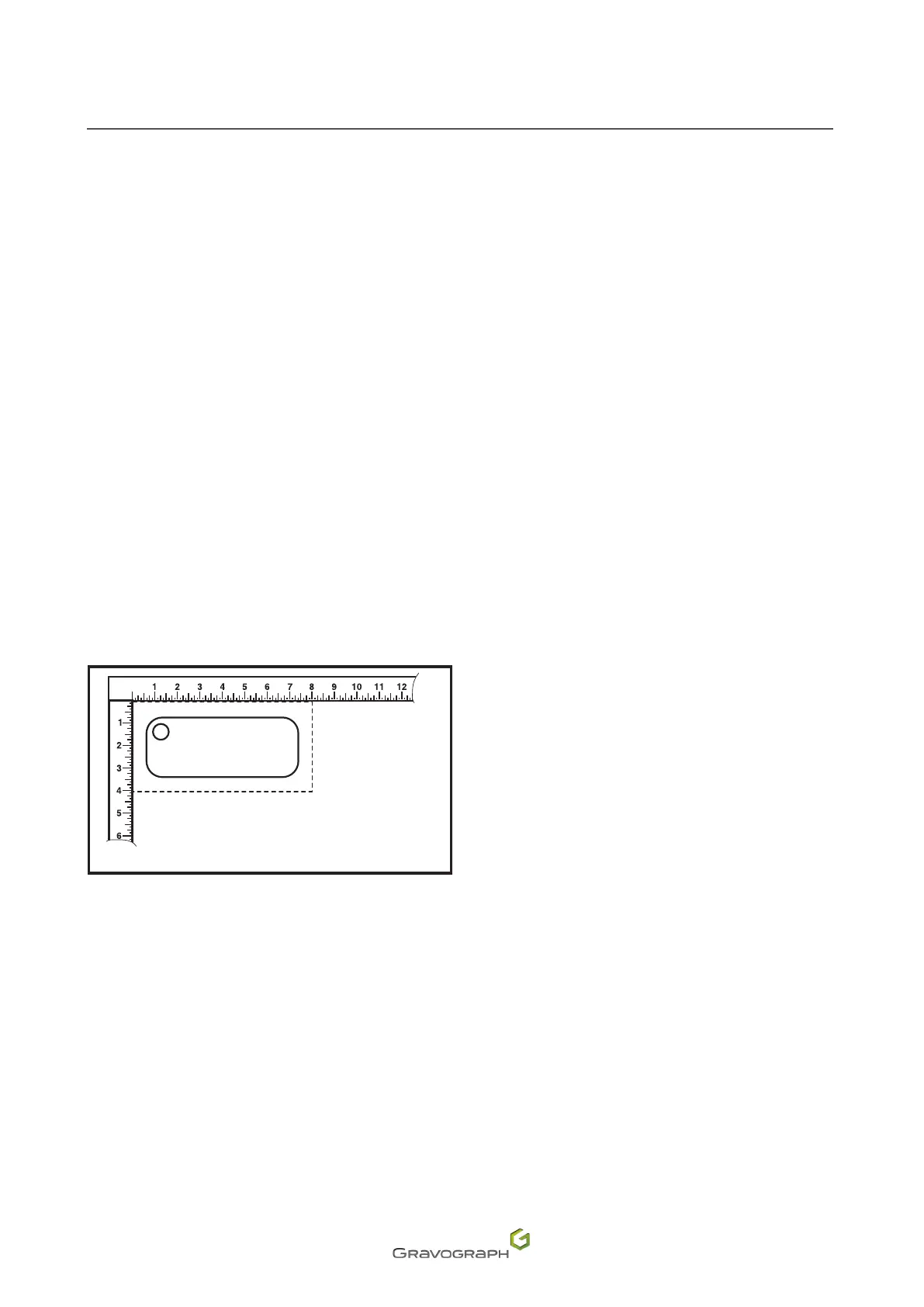
3. Position the text in the top left corner of the page, depending on the position of the keyring on the
engraving table.
Screen (PC)
ABCDE
3. Setting the driver properties
Refer to the manual (L-Solution driver).


 To Next Page