26
Printing Location Files, Notes, Reports & Calibration Data from WolfSense PC
A location file may only be printed from WolfSense PC. If you open a location file
from WolfSense IAQ LAP, the file actually opens in WolfSense PC.
Once a text note, drawing note, template report or custom note has been created for
a location file, you may print it from WolfSense PC.
If starting from WolfSense IAQ LAP, click on or tap
File, Open Location or View, View Location.
If starting from WolfSense PC, click on or tap File,
Open or the Open toolbar button.
Click, tap or scroll through the site folder directory to
the desired location file.
Click on or tap the location file name.
Click on or tap Open.
To print the location file,
click on or tap File, Print, OK or the Print toolbar
button.
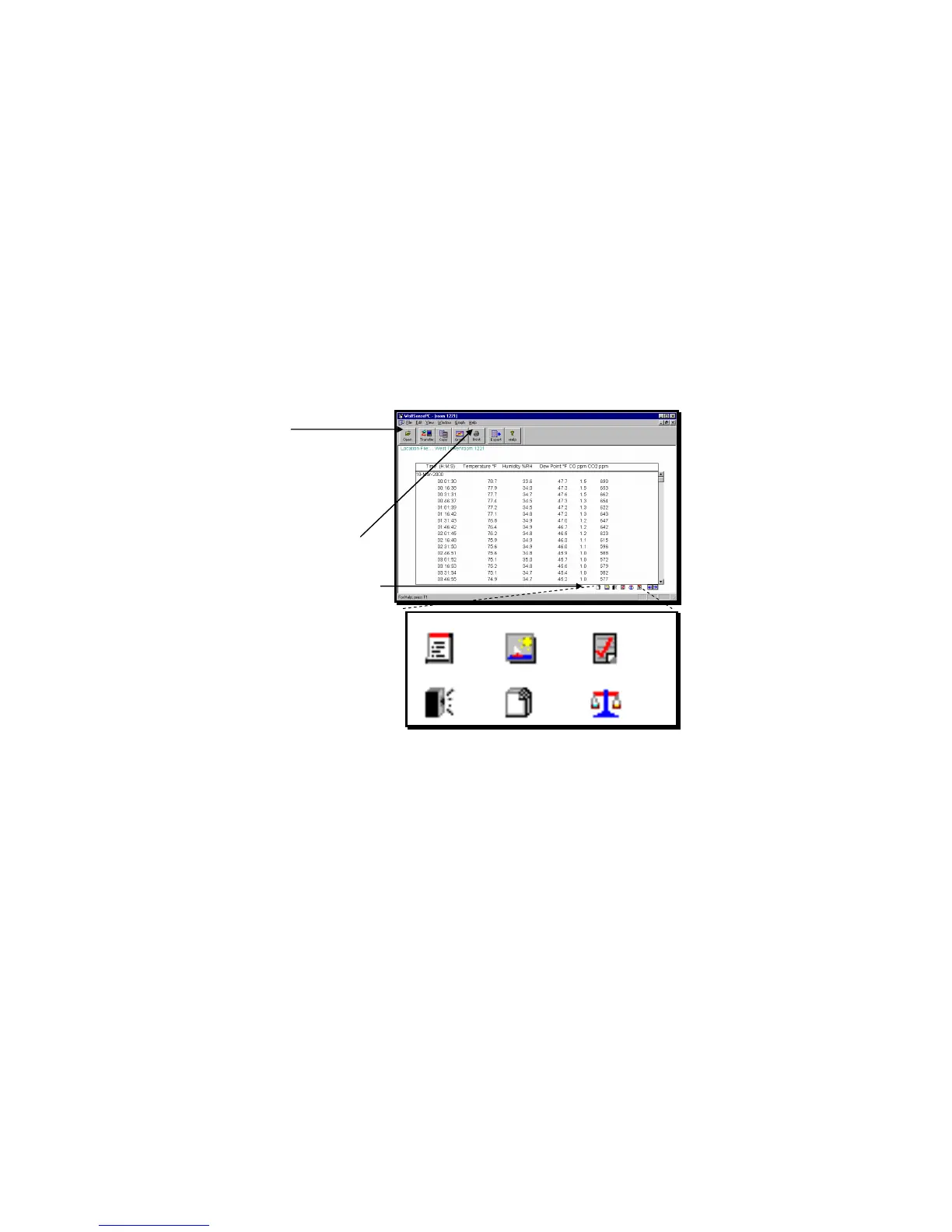
To print a note, template report or calibration data,
click on or tap the icon in the lower right-hand corner
of the screen to open the associated text note,
drawing note, template report, custom note or
calibration data.
Click on or tap File, Print.
For details on printing, see the Notes and Reports
sections in “Notebook” beginning on page 13.
Figure 53 –Notes and Reports Icons in WolfSense PC
Text Note • Drawing Note • Report Template
Sound Note • Custom Note • Calibration Data
Figure 54 – Notebook icons: Text note, drawing note,
template report, sound note, custom note and
calibration data may be printed.



 To Next Page