2
Powering
The Lap PC will run using its own battery pack or with the help of the AC adapter
supplied with the Lap PC. Before first use, charge the battery according to the
instructions in your Lap PC manual.
NOTE: Charge your Lap PC batteries frequently to avoid data loss.
Like the Lap PC, the probe runs on batteries or with an AC adapter. The probe uses
only alkaline batteries. The GrayWolf kit provides two D cells and a 110VAC adapter
(240VAC in Europe) for the probe. WolfSense IAQ LAP software will warn you if the
probe’s battery voltage is low. If, when you plug in the probe, its batteries are flat, you
will see “No Probe Attached” in the upper left-hand corner of the Lap PC screen.
Changing Batteries on the Probes
Hold the top of the probe with one hand and the handle with the other.
Twist the probe handle in a counterclockwise direction.
Remove the old batteries.
Insert 2 new D-cell alkaline batteries, ensuring that the battery positive is to
the top.
Carefully screw the handle back onto the probe, ensuring not to cross-thread
the handle or overtighten it.
When setting up the Lap PC to work only from a battery pack for an extended period
of time, refer to your Lap PC user manual for tips on conserving battery power. If the
Lap PC’s batteries become depleted, a warning message is issued and then
WolfSense IAQ LAP will automatically stop logging and suspend the Lap PC.
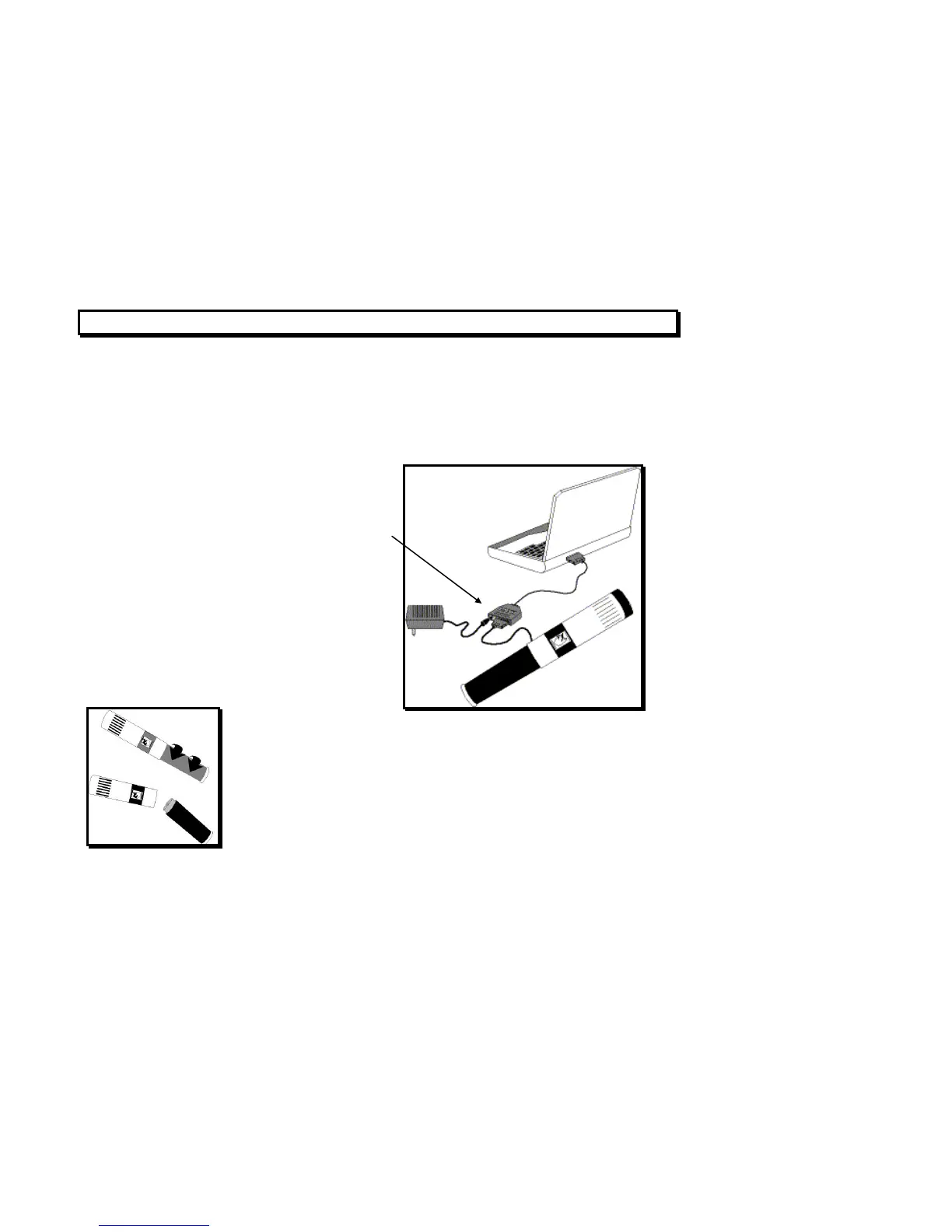
Figure 2 - Using an AC Adapter to Power the Probe
The ACC-ADY-L9 serial/AC power adapter allows you
to power the probe with an AC adapter if you will be
taking readings longer than the expected life of the
batteries. It has a serial adapter and an AC power
socket.
Figure 3 - Battery Location
on the Probe



 To Next Page