67
SAME Entry 2:
Code: 048113
Event: RWT
Entry: ON
Lockout: ON
The above combination of entries for 048113 will receive all SAME messag-
es for 048113, except the Required Weekly Test (RWT) message, since the
second entry is ON, with lockout ON, and with RWT in the event field.
SAME Entry 1:
Code: 048113
Event: ***
Entry: ON
Lockout: OFF
SAME Entry 2:
Code: 048113
Event: ***
Entry: ON
Lockout: ON
The above combination of entries for 048113 will not receive any SAME
messages for 048113, since the second entry is ON, with lockout ON, and
with *** (all events wildcard) in the event field.
The entry lockout feature should be used with caution so as not to inadver-
tently lock out desired SAME location or event codes.
Entering SAME Location and Event Codes
The following steps are used to create a SAME entry that provides all weath-
er alerts for a given location.
Press the WX key to enter Weather mode.
Press the
SAME
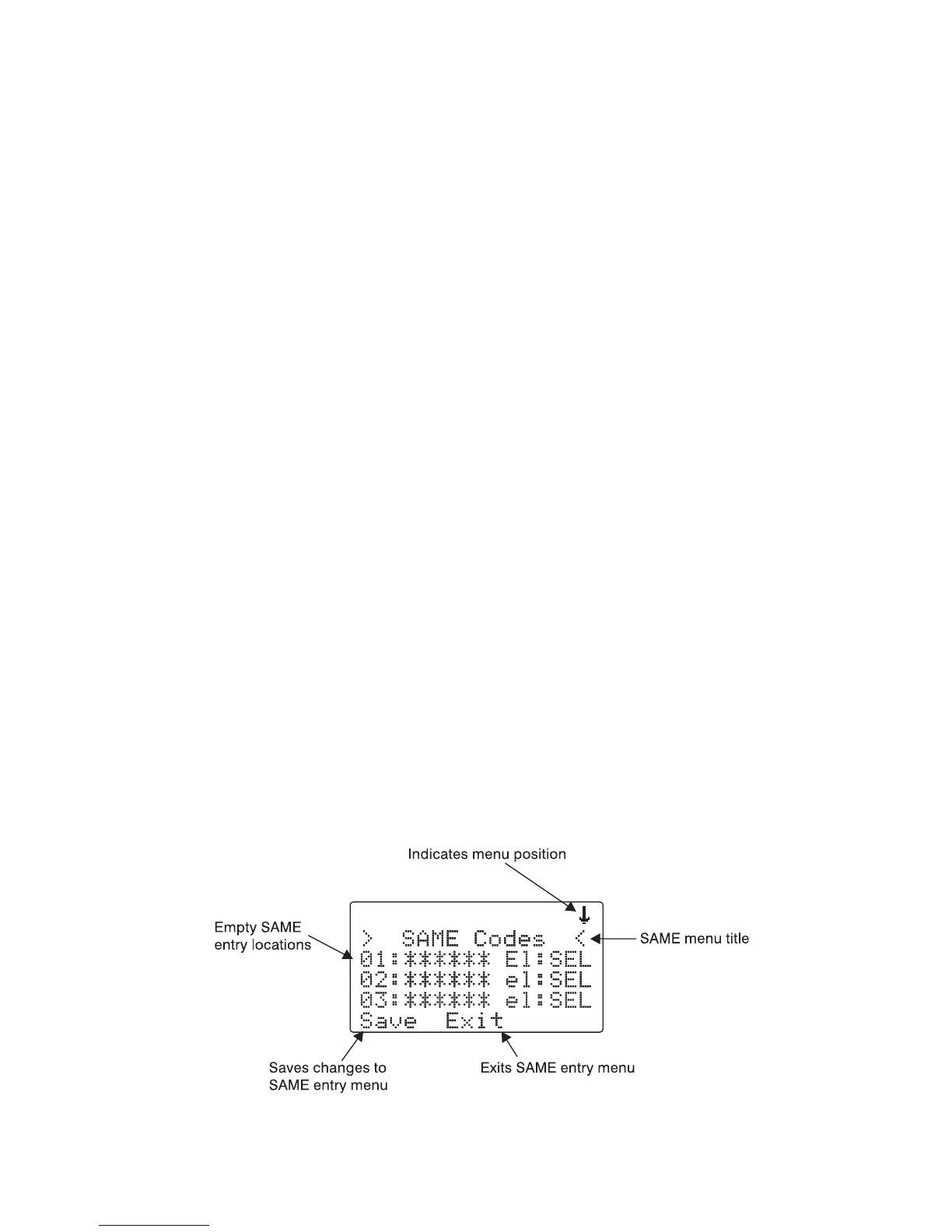
softkey to add or edit SAME entries. The scanner display
will show the following:



 To Next Page