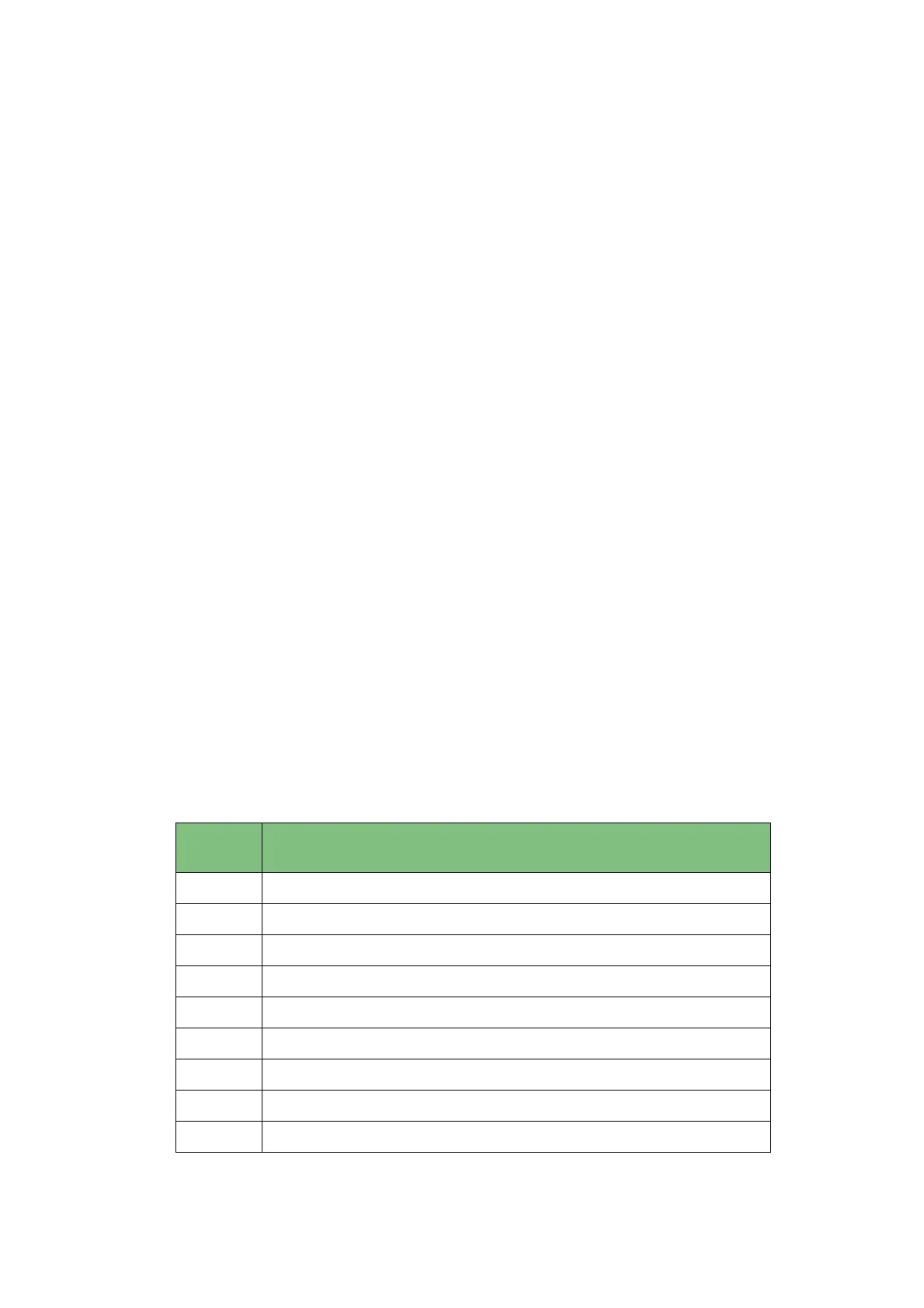
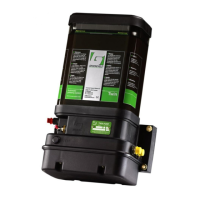
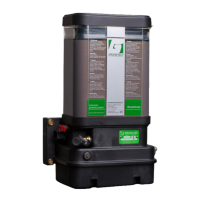
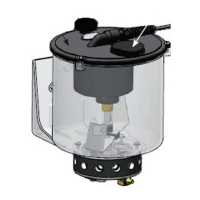
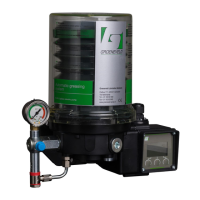
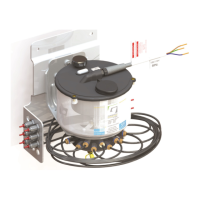
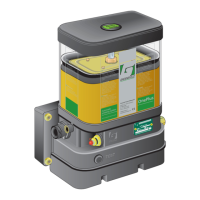
Automatic Greasing System OnePlus
Description components
13
Date of issue: October 2011
EG1605R01
2.7.1 Performing a test cycle
A test cycle can be performed using the test push button, as follow:
1. The supply voltage for the pump unit must be available (ignition on).
2. Depress the test push button for 2 to 5 seconds.
3. The test cycle starts the moment you release the test push button.
During the test cycle the optional indicator lamp will flash (1 second on / 1 second
off).
Any errors that occurs during a test cycle will not be indicated by the indicator lamp
and will not be stored in the memory of the control unit.
2.7.2 Retrieving fault messages
When the system is equipped with the optional indicator lamp, fault messages
stored during the last automatic greasing cycle (pending errors) can be retrieved by
keeping the test push button (see Figure 2.4) depressed for at least five seconds.
Seven seconds after you released the test push button the indicator lamp will start
producing the blink codes to indicate these pending errors.
The indicator lamp indicates the fault codes by blinking:
The decimals of the fault code: long pulses (0,5 seconds)
The units of the fault code: short pulses (0,15 seconds)
There is a two second pause between successive fault codes. For example, if the
fault codes 11 and 22 are displayed, you will see the blink codes:
long, short
fault code 11
two second pause
long, long, short, short
fault code 22
two second pause
Each fault message has been assigned a two-digit fault code:
Fault
code
Meaning
10 No errors detected during last executed automatic cycle
11 No state change of the block switch during a number of cycles
21 Drive shaft does not rotate or rotates too slow
22 Open load pump motor circuit
23 Over current pump motor circuit
35 Short circuit pump motor
41 Parameter checksum error
42 Power dip during pump start
43 Open load block switch circuit


 To Next Page