User Manual 9065/9065plus
MAN10772-00 106
Printing the Self Test
If you need to know any printer setting, and to check if the printer is working well, print the self- test.
Proceed as follows:
1. Keep the
ON
LINE
key pressed while powering on the printer until the display shows RELEASE KEYS.
2. When you release the key, after initializing the printer starts the self-test printout.
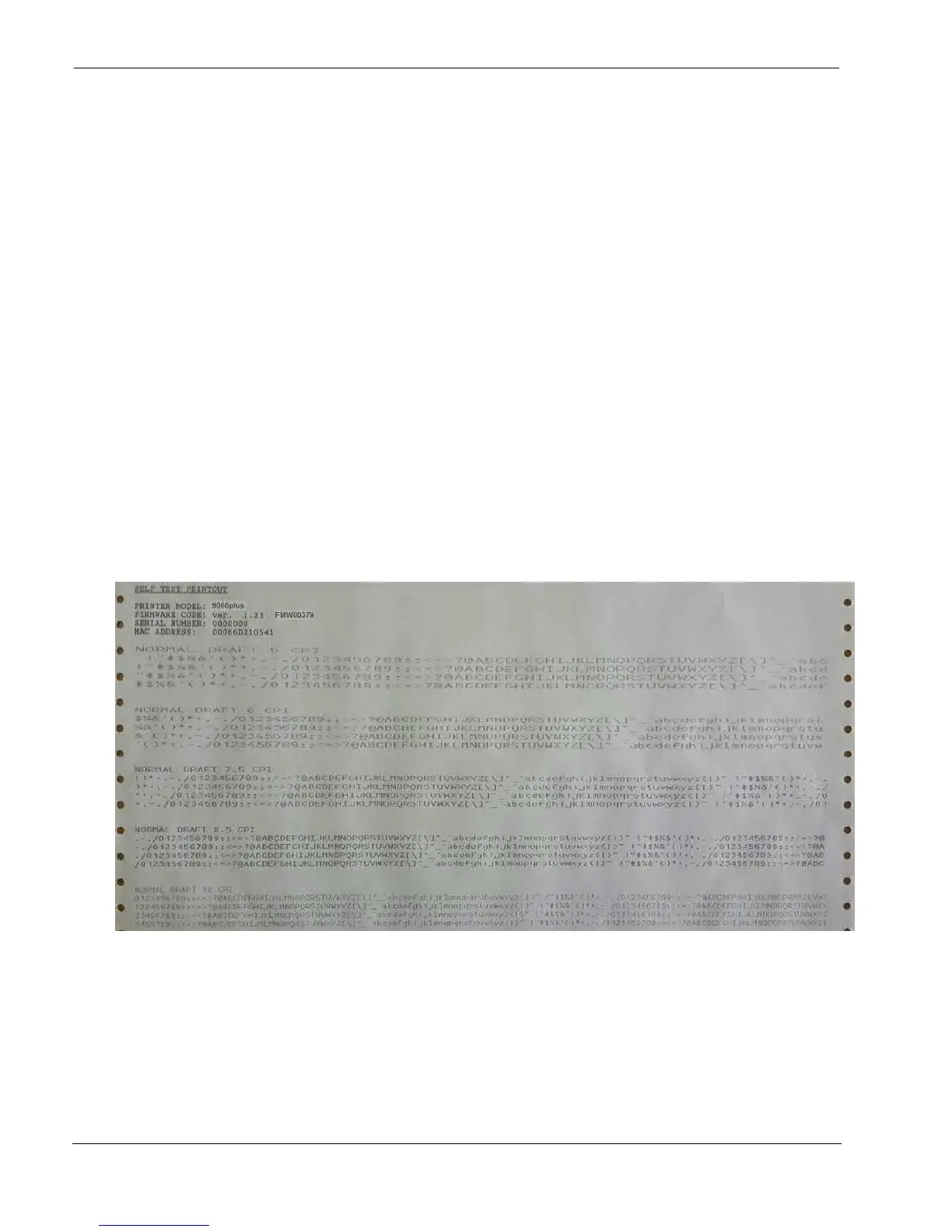
It prints:
The printer model
The current firmware release with Version and FW IDentifier
The serial number which can be applied as USB ID
The MAC ADDRESS of the LAN card
Plus a continuous loop of characters in different pitches.
3. To stop the self-test printing, press the
ON
LINE
key again. The printer is offline.



 To Next Page