User Manual 9065/9065plus
MAN10772-00 103
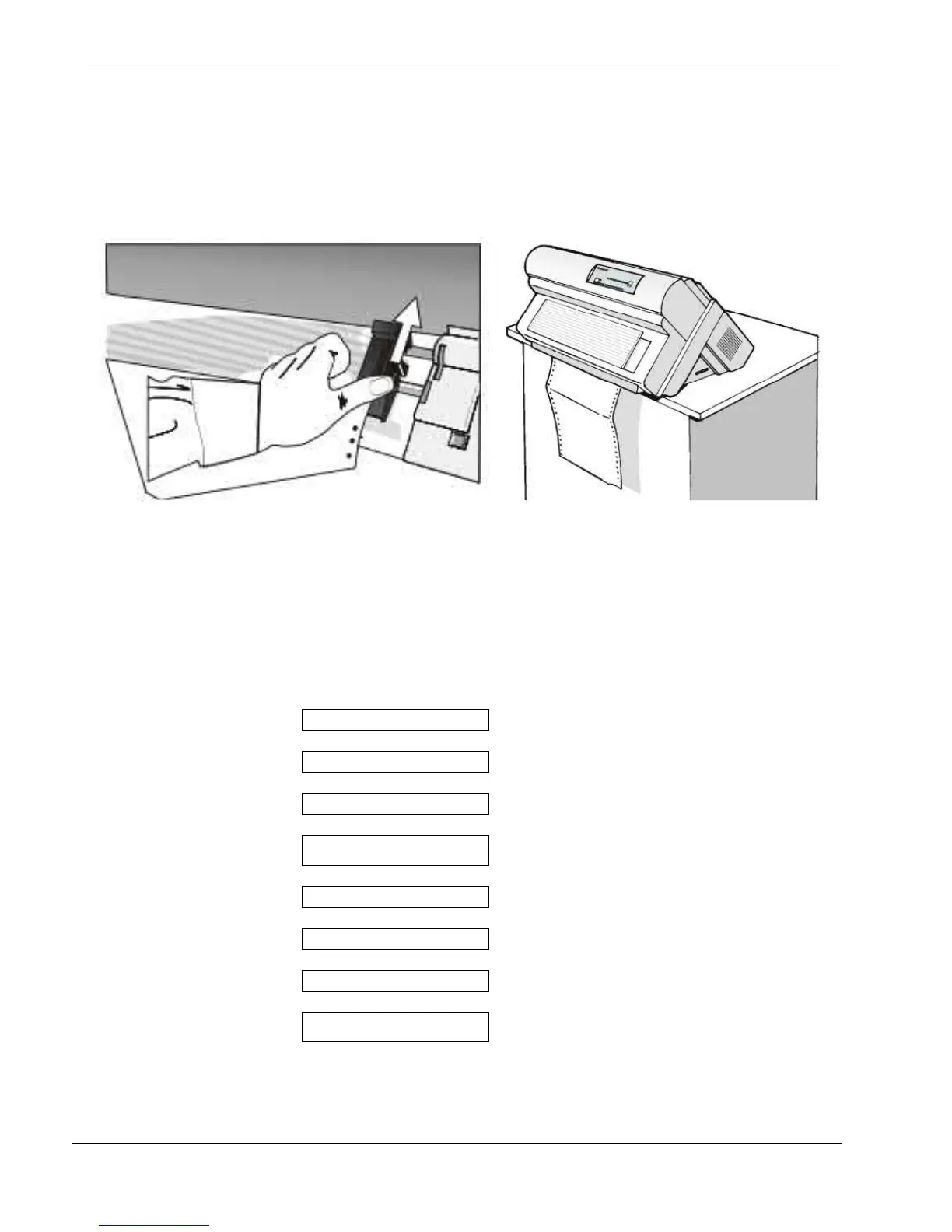
9. Lock the left and right sprockets moving the sprocket
levers up
10. Close the Push tractors cover. Press the
LOAD/FF key to load the paper into the
printer. The paper must be loaded as shown in
figure.
Printing a Configuration Sheet
It is recommend that you now print your printer configuration defaults. Save this printout for future reference. You can create a
printout of the printer configuration by following these steps:
1. Press the ON LINE key to take the printer OFF LINE.
2. Press the PROGRAM key.
PRINT OUT? NO
Is displayed
3. Press the → ke



 To Next Page