User Manual 9065/9065plus
MAN10772-00 82
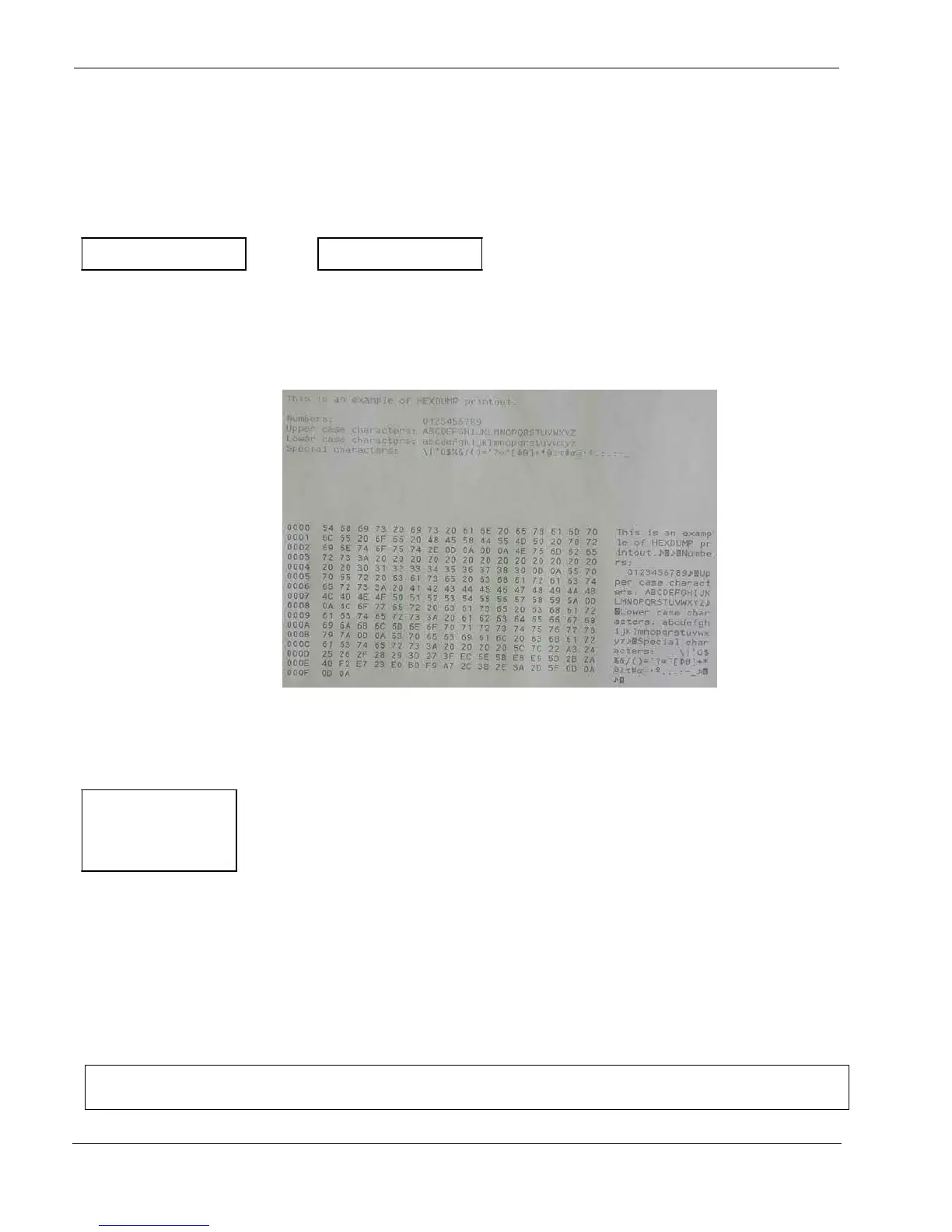
Hexadecimal Dump
CONFIG MENU NO
↑
HEX DUMP NO
→
or
←
HEX DUMP YES
↓
STORE? QUIT
If you select HEX DUMP YES, press the
PROGRAM
key to set this item. The hexadecimal printing continues,
until the HEX DUMP NO item is selected, entering again into the Program Setup.
Storing the values
HEX DUMP NO
↑
STORE? QUIT
→
or
←
STORE? SAVE
→
or
←
STORE? CURRENT
→
or
←
PROG
EXIT
STORE? QUIT This setting does not save any of the new values set. The values set previously will be used.
STORE? SAVE The values set are stored permanently (in the NVM) and will be used until they are changed by the
operator.
STORE? CURRENT The values set are valid until the printer is turned off. When you turn the printer on again, the
values set in the preceding setup will be used.
At this point the Program Configuration Setup is finished
You exit pressing the PROGRAM key



 To Next Page