User Manual 9065/9065plus
MAN10772-00 15
Host Computer Connection
The 9065
plus printer can be connected to your host computer via different available interfaces on a single
controller.
DANGER
<1-14> Switch off printer power and unplug the printer power cord before connecting or
disconnecting a communication port, a teleport, or other attachment connector.
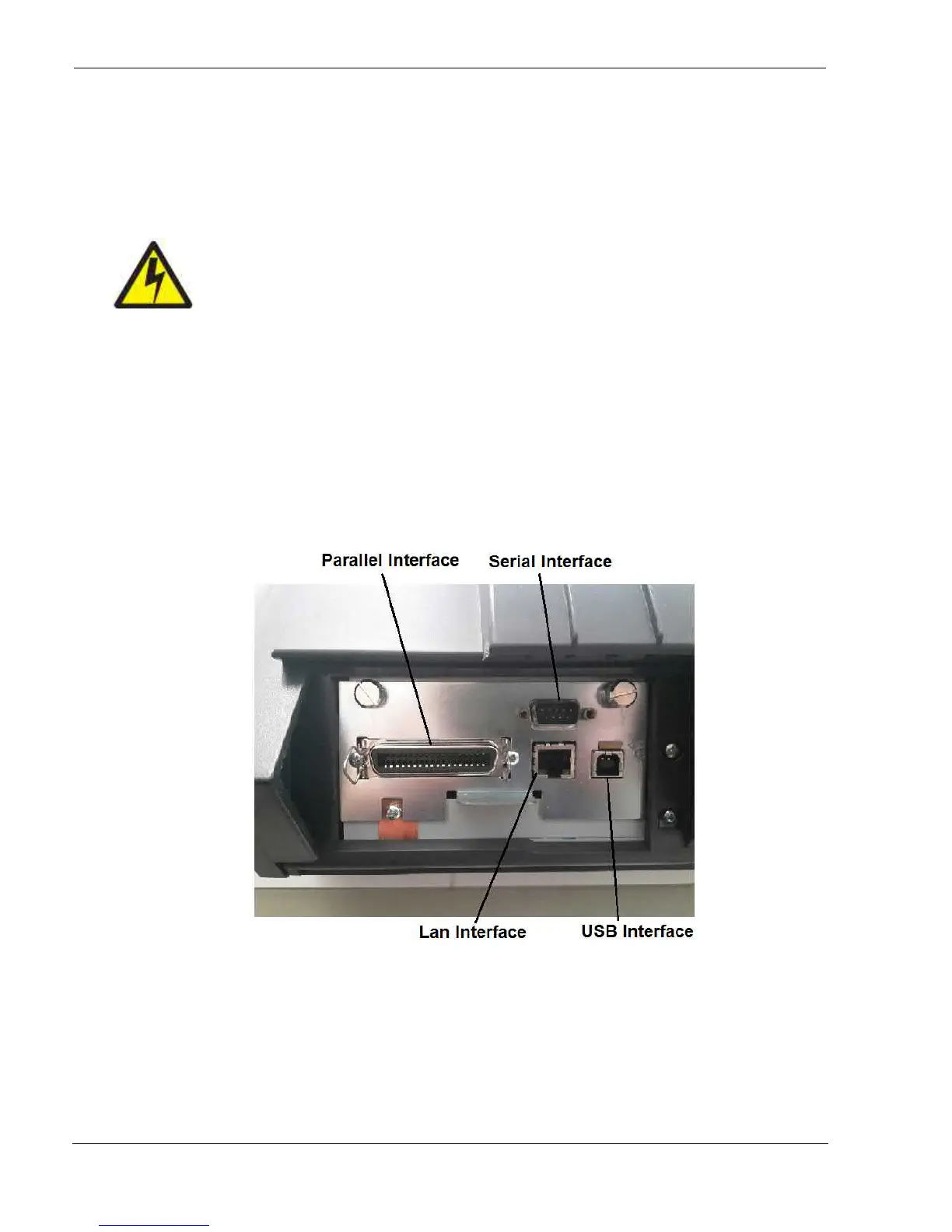
The controller provides the following four interfaces
:
:
A bidirectional IEEE1284 parallel interface
A RS-232C serial interface
An USB interface.
An Ethernet LAN interface.
The interface connectors are located on the rear of the printer.



 To Next Page