User Manual 9065/9065plus
MAN10772-00 14
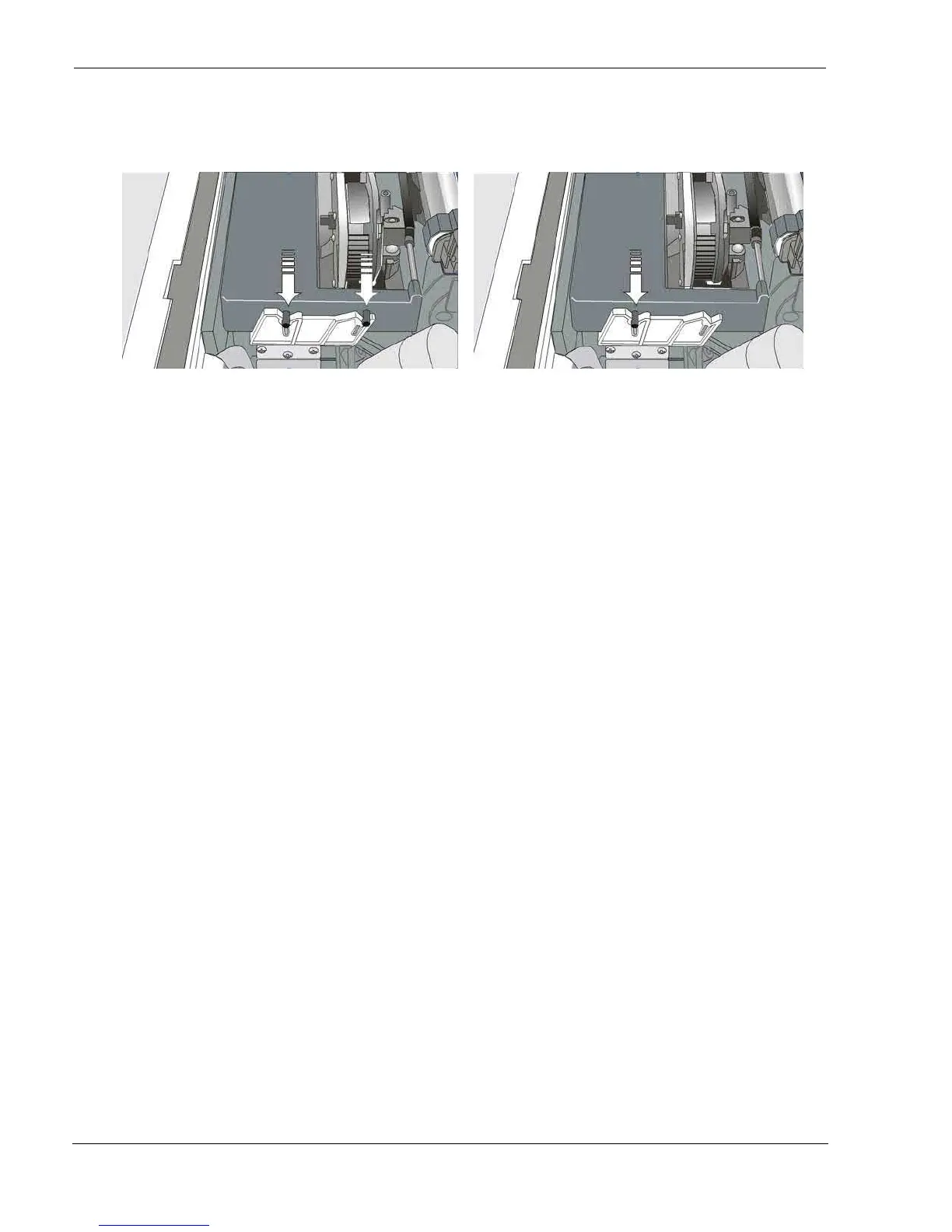
10. Push the cartridge down gently until it clips into place at locking points
Black cartridge when the ribbon shifter option is not
installed
Black “Long Life” cartridge when the ribbon shifter
option is installed
11. Turn the ribbon-winding knob again in the direction of the arrow to take up slack in the ribbon.
12. To ensure that the ribbon guide runs freely along the ribbon, manually move the print carriage horizontally.
If the used ribbon cartridge needs to be replaced, see "Replacing The Ribbon Cartridge", later in this manual.



 To Next Page