User Manual 9065/9065plus
MAN10772-00 23
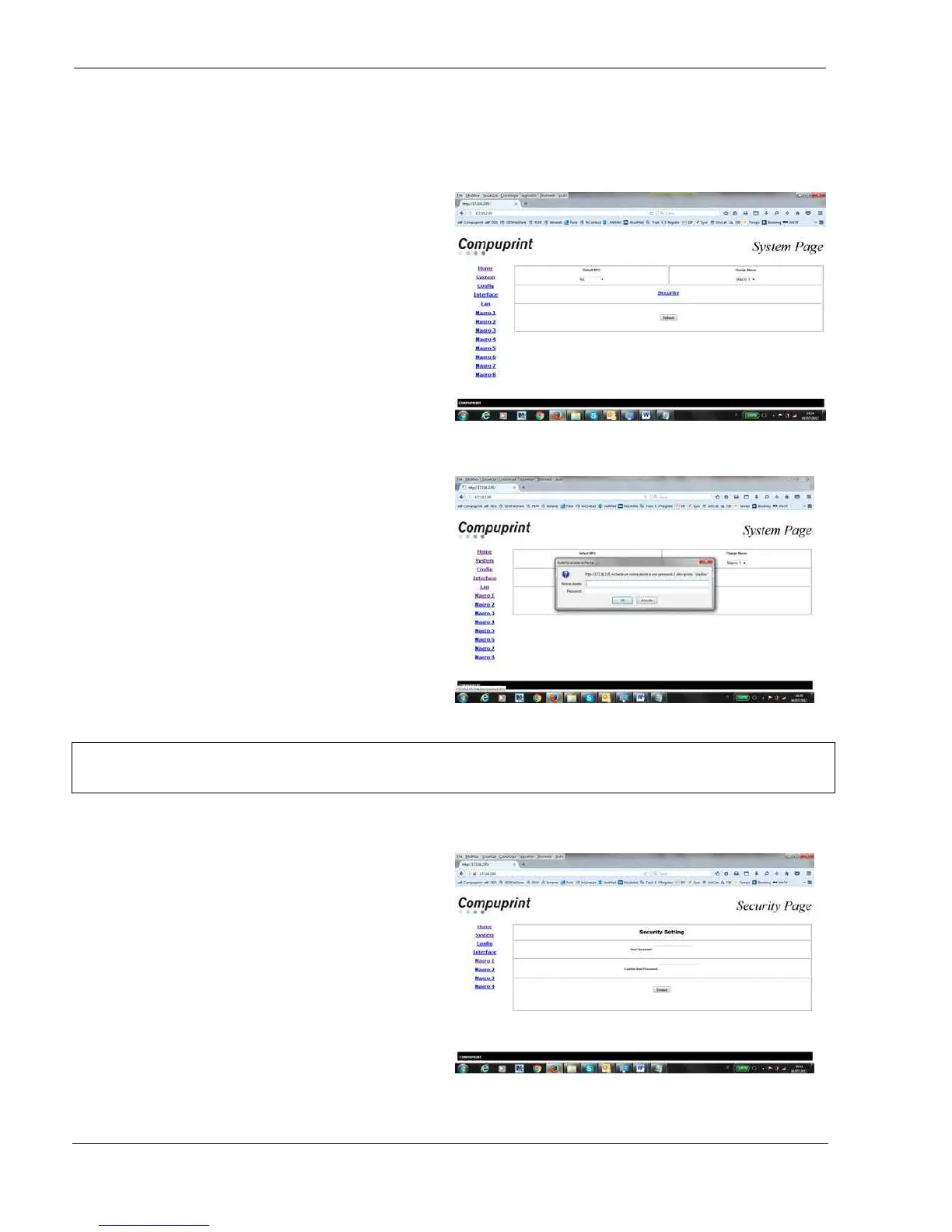
When click on Printer Configuration the System Page is opened:
It is possible to choose :
Loading the default factory setting parameters
overwriting the current ones for all setup pages
(All, Macrox, Configuration)
Setting the default Macro at power on
Setting the security password
Select one of the different webpages (Home,
System, Config, Interface, Lan, Macro#)
described hereafter.
System Page
In the System Page click on Security Setting button.
The first time the following screen appears:
Type root for User Name
Type root for password
Security Page
It is now possible to indicate a new password to
protect the setting



 To Next Page