User Manual 9065/9065plus
MAN10772-00 26
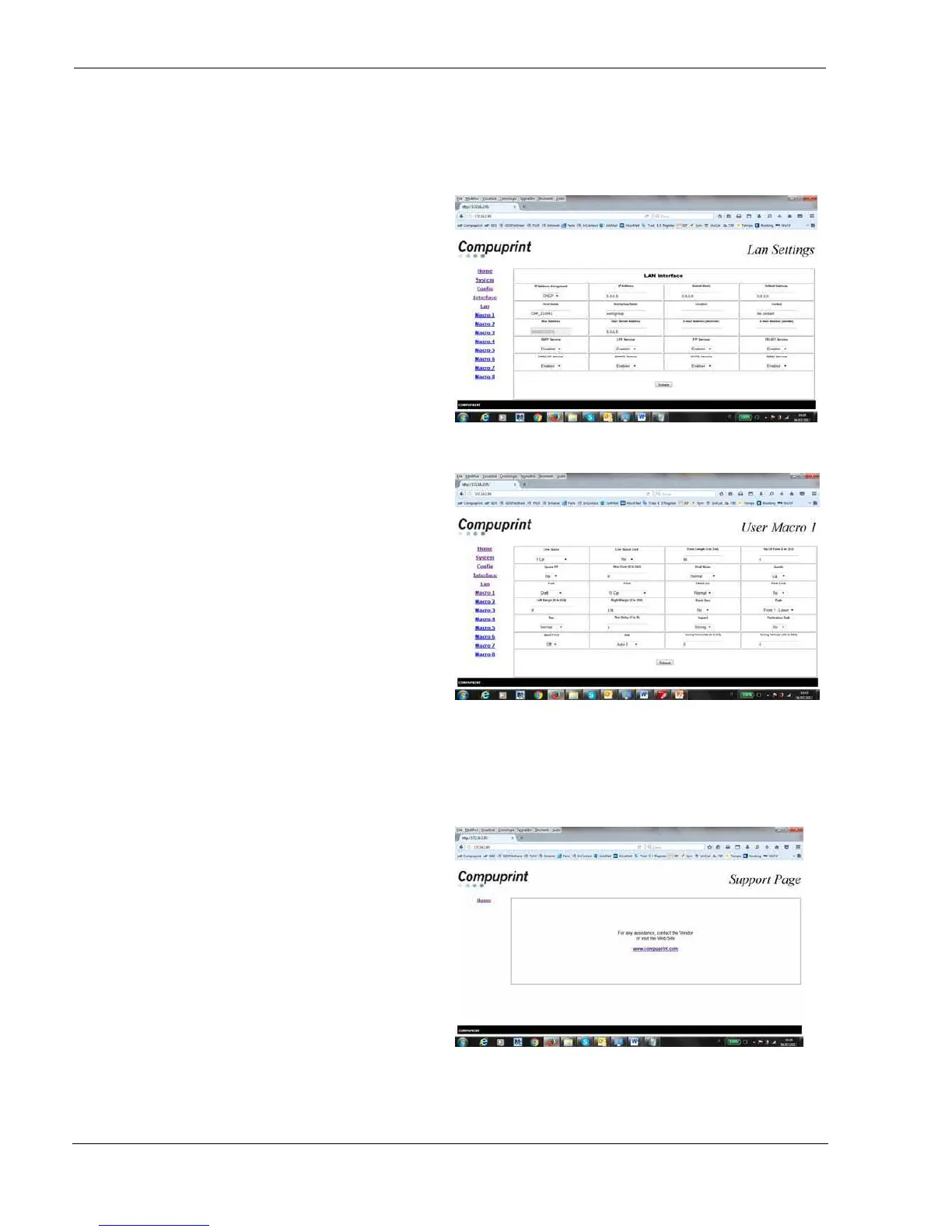
Lan Settings Page
This is the Lan Setting Page
User Macrox Page
This is the User Macro# Page
You can now choose the network printer configuration. When the parameters are set as necessary, click on the
Submit button at the end of the table. If a password has already been set in the Security item, to enter the
remote printer configuration mode you need to type the network password
Support
This is the Compuprint Support Page



 To Next Page