User Manual 9065/9065plus
MAN10772-00 29
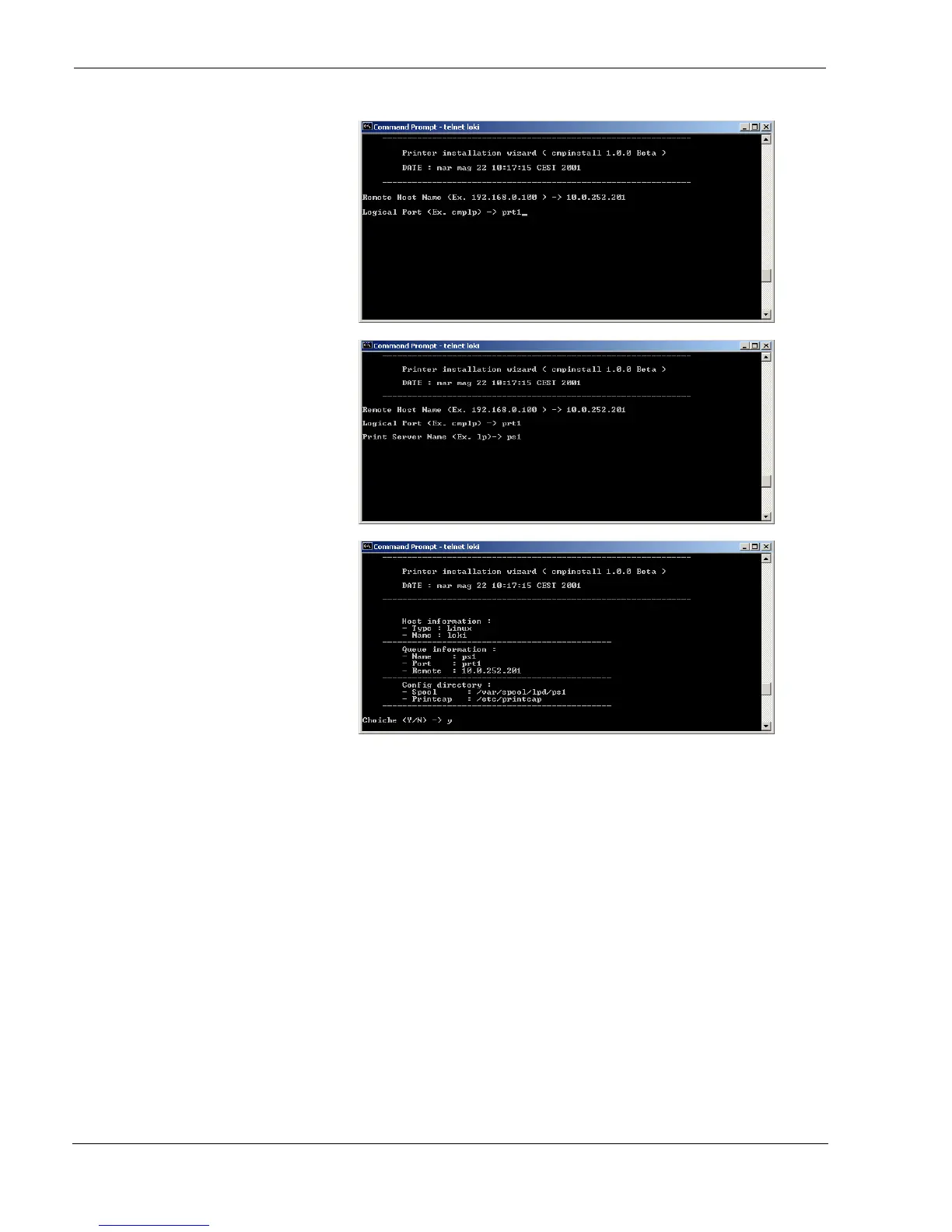
4. Enter the Logical Port Name.
The Logical Port Name is “prt1”.
5. Enter the Print Server Name.
The printer server name is “ps1”.
6. If this configuration is ok , enter
“y” to confirm.
The installation is now complete. If you want to print the test file, enter the lpr -Pps1 test command.



 To Next Page